Salesforce Service Cloud Consulting & Implementation
Stack Intelligence works with support teams that have outgrown their tools, and we fit Salesforce Service Cloud to the way they run. Cases reach the right agent fast, and your customers stop repeating themselves.
Trusted by Enterprise Teams as a Salesforce Consulting Partner
Logos of Texas Instruments, American Express, Fiserv, Autodesk, Target, Honeywell, Dell and Delta Air Lines have worked with Stack Intelligence on Salesforce.
Salesforce Service Cloud Problems We Help Businesses Solve
Most first calls we have with support leaders circle back to the same six problems.
Customer Conversations Are Spread Across Too Many Channels
Customer Conversations Are Spread Across Too Many Channels
On Monday, the customer emails. On Tuesday, they call, and by Wednesday they're in a chat window, retelling the whole story to an agent who never heard about the phone call. Three tools hold three pieces of one conversation, and nobody sees all of it.
Case Resolution Takes Longer Than It Should
Case Resolution Takes Longer Than It Should
A billing case sits in the general queue for a day because nobody owns it. When someone finally picks it up, they aren't sure whether tier two should take it. The fix is probably in an old wiki page somewhere, which doesn't help the customer much.
Agents Don't Have the Full Customer Context
Agents Don't Have the Full Customer Context
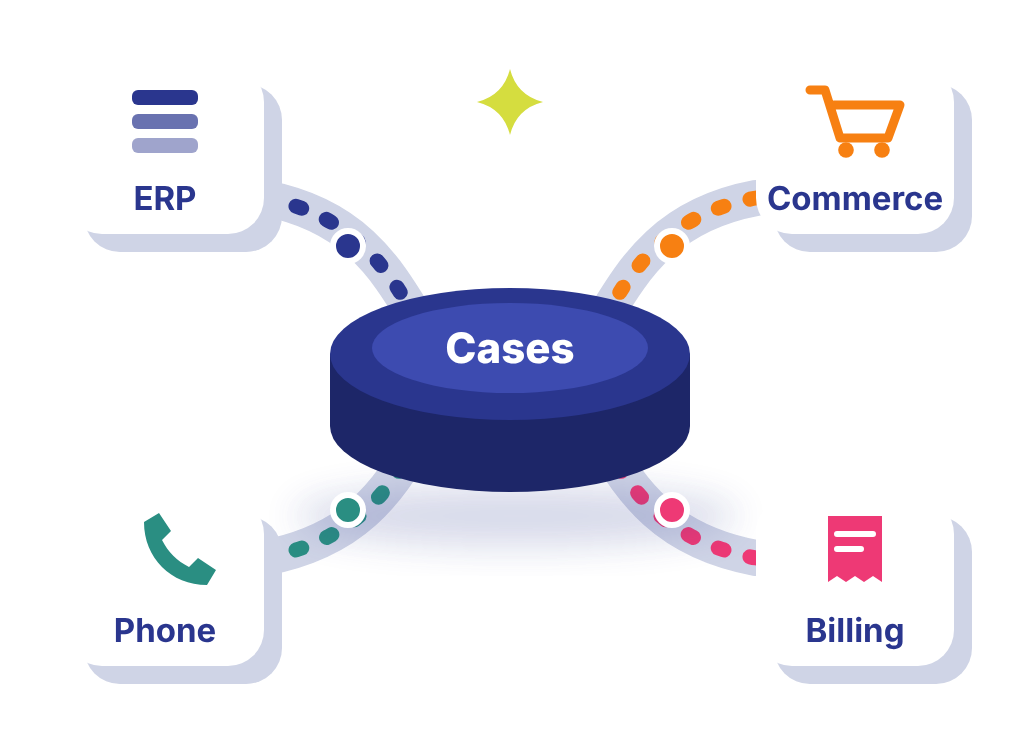
Your agent has the ticket open but can't see the order it's about. That lives in the ERP. Past cases are in the helpdesk you retired last year, and account notes sit in the CRM. So every call opens with clicking and a request to hold.
Repetitive Service Tasks Consume Agent Time
Repetitive Service Tasks Consume Agent Time
Most of an agent's shift can go to busywork. Status updates eat some of it, and so does pasting the same reply over and over or fixing tickets dropped in the wrong queue. The hard cases, the ones customers remember, get whatever time is left.
Service Managers Lack a Clear View of Performance
Service Managers Lack a Clear View of Performance
How many cases are open right now? In a lot of support teams, answering that means somebody exports a spreadsheet first. Backlog, workload, and repeat contacts each come from a different report. By the time it's all stitched together, the week it describes has ended.
Plenty of customers would rather reset a password themselves than call. Your help center makes that hard, with weak search and articles nobody has touched since the last release. So they pick up the phone, and agents spend the day on easy questions instead of hard ones.
Salesforce Service Cloud Features That Support Better Customer Service
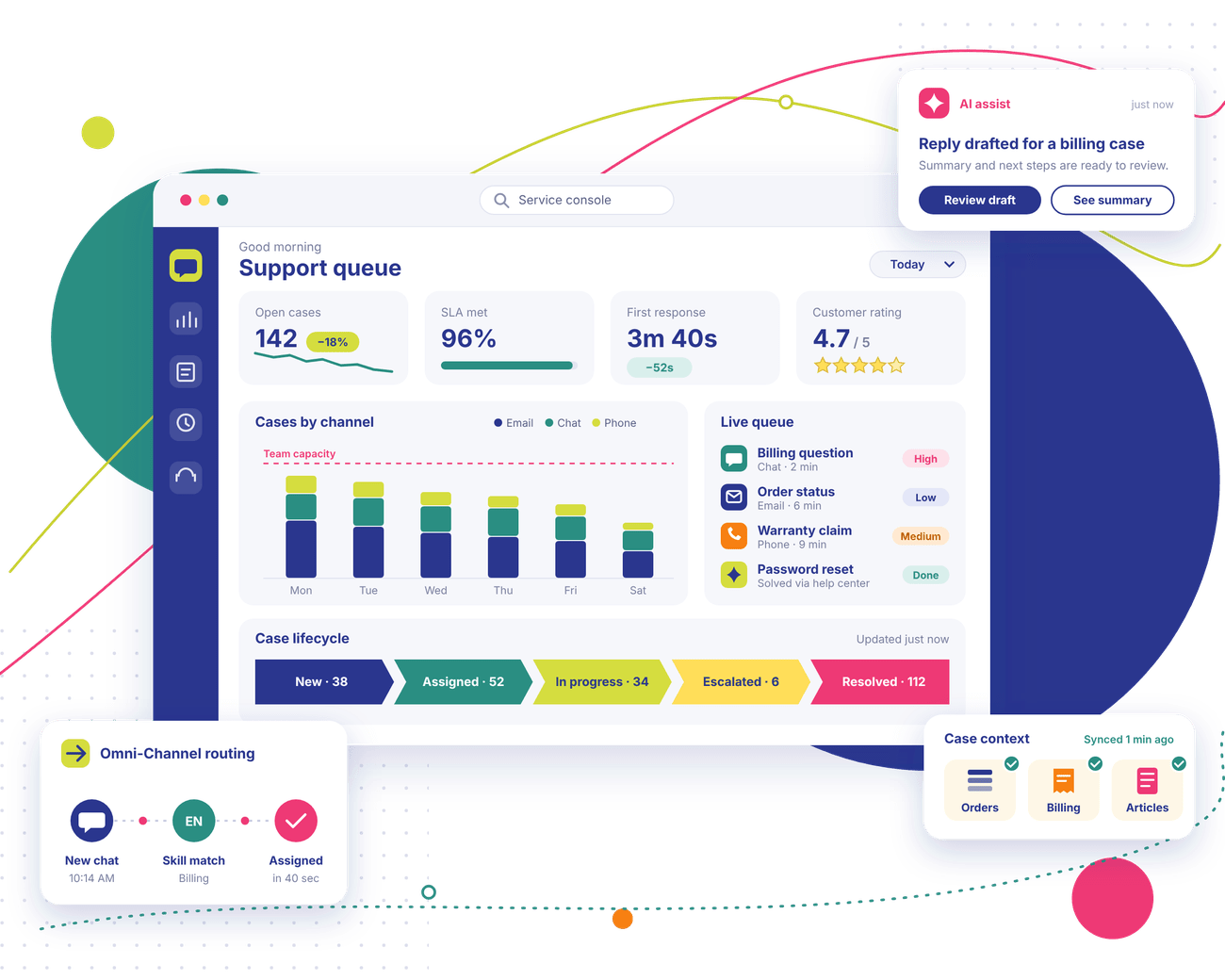
Salesforce Service Cloud brings a support team's daily work into one platform. We've listed the Salesforce Service Cloud features we set up on most projects, plus what to watch for with each.
01
Omnichannel Customer Service
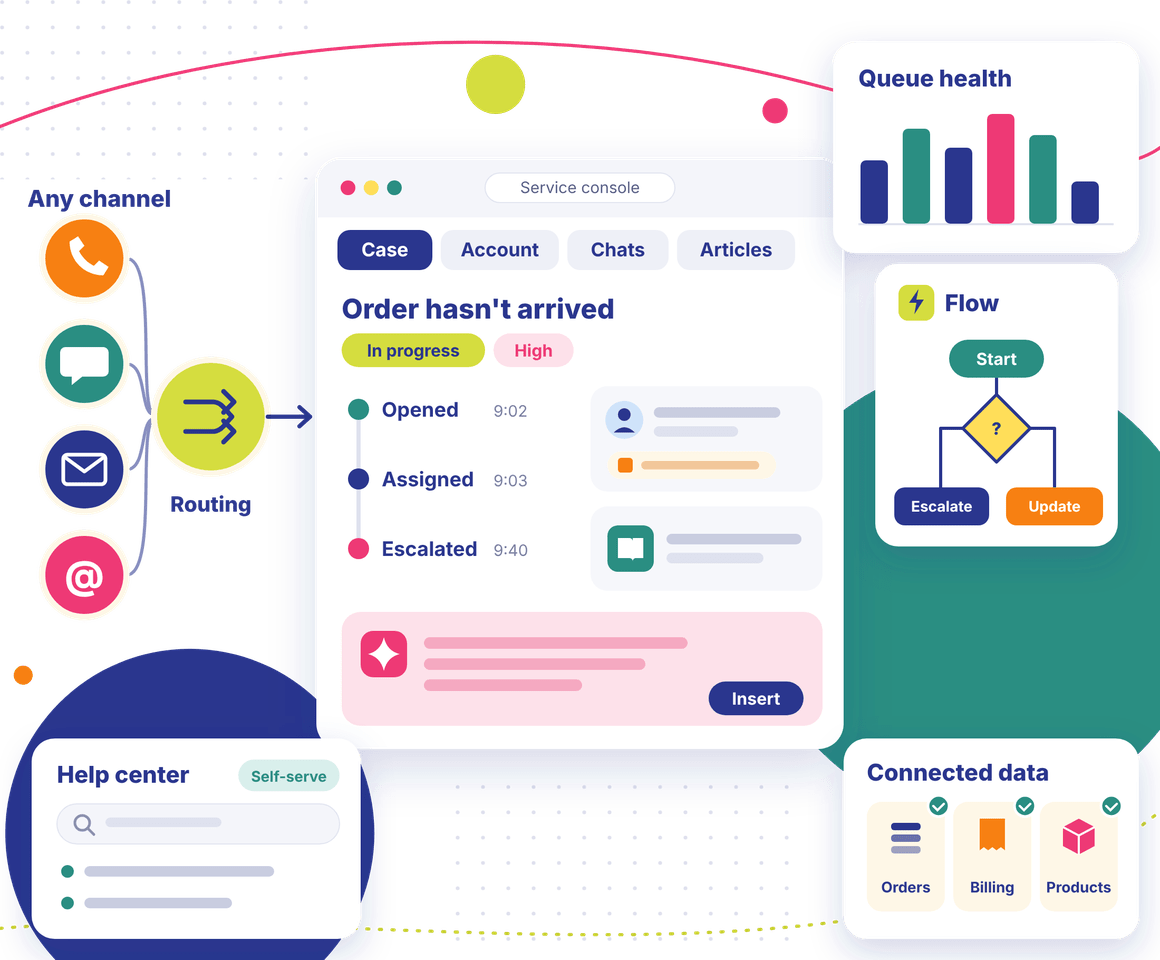
However a customer reaches out, whether by phone, chat, email, or a social post, Service Cloud opens a case for it. Omni-Channel then picks an agent, using the routing rules you've set and who's free right now. One tip: only switch on channels you can staff.
02
Salesforce Case Management
Salesforce keeps a running record of each case. You can see who picked it up and whether it got escalated before it closed, and an agent can read all of it in seconds. The record types and statuses behind it are worth settling early, since reworking them mid-project slows everything down.
03
Service Console and Customer Context
Agents live in the Service Console for most of their shift. A case, the account behind it, past chats, and suggested articles can all stay open in tabs at once. We'd keep layouts as sparse as possible. Every extra field on the screen costs agents a little time on every case.
04
Knowledge Management and Self-Service
Write an article once in Salesforce and agents see it when a related case comes in. Put the same article on your help center, and customers can solve easy problems without a call. Articles need an owner and a review date. Without those, they go stale fast.
05
Service Cloud Automation and Workflow Management
Flow can run your routing logic, status updates, approvals, and escalation timers without anyone writing code. Assignment rules and escalation rules cover what Flow doesn't. We always map the process on paper before we build. Automation built on a vague workflow is a pain to fix later.
06
Service Analytics and Reporting
A supervisor can open one dashboard and see volume, backlog, and handle times, plus which agent is buried in cases. Every report can be broken down by queue, channel, or agent. For those numbers to mean anything, each case field has to be defined the same way for everyone, and we sort that out early.
07
AI-Assisted Service and Agentforce
Agentforce and Salesforce's other AI tools can write a case summary, suggest a reply, or handle a routine question in chat. What you get depends on your licenses and the Salesforce products in your plan. Clean data and clear permissions come first, and we confirm both during discovery.
08
Connected Customer and Service Data
Agents move faster when order, billing, and product details from other systems show up on the case. Getting there takes well-designed integrations and access controls. Each agent should see the information they need for the case in front of them, and nothing they shouldn't.
Salesforce Service Cloud Consulting Services for Your Business
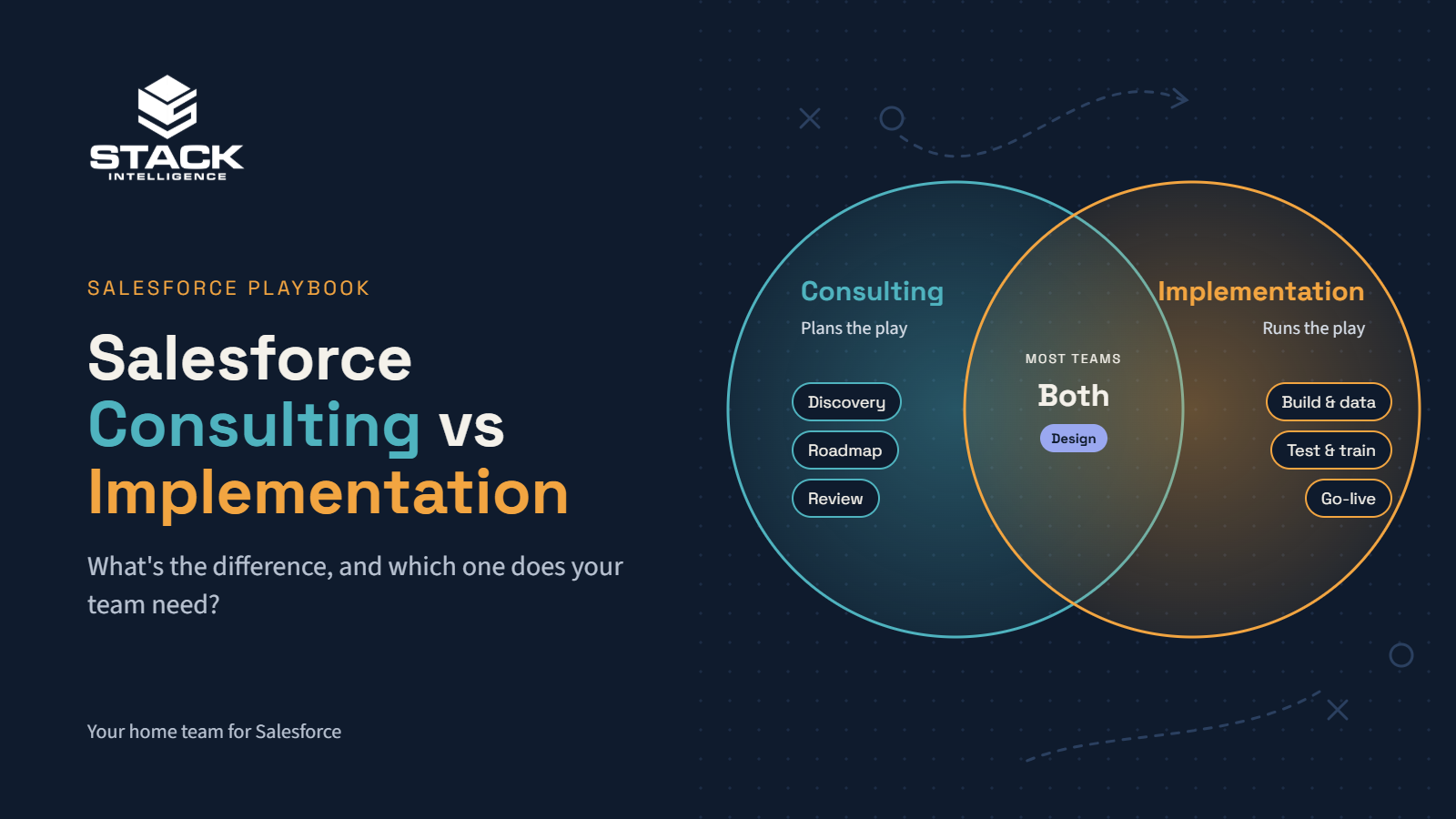
Our Salesforce Service Cloud consulting services run from the first planning workshop all the way to the support you need months after go-live. Some teams hire us for one of those. Others want all of it.
01 · Consulting
Salesforce Service Cloud Consulting
Our Salesforce Service Cloud consulting starts where the work happens. We shadow agents and supervisors and watch how a case moves between teams. Then we write a scoped roadmap.
Case workflows and Omni-Channel routing usually come first in our Salesforce Service Cloud implementation work. The console, knowledge base, and dashboards follow (each one built to your spec and tried on real cases).
Agents shouldn't need four tabs for one question. With Salesforce Service Cloud integration, ERP, commerce, phone, and billing details show up right on the case. We test each connection, including what happens when one fails.
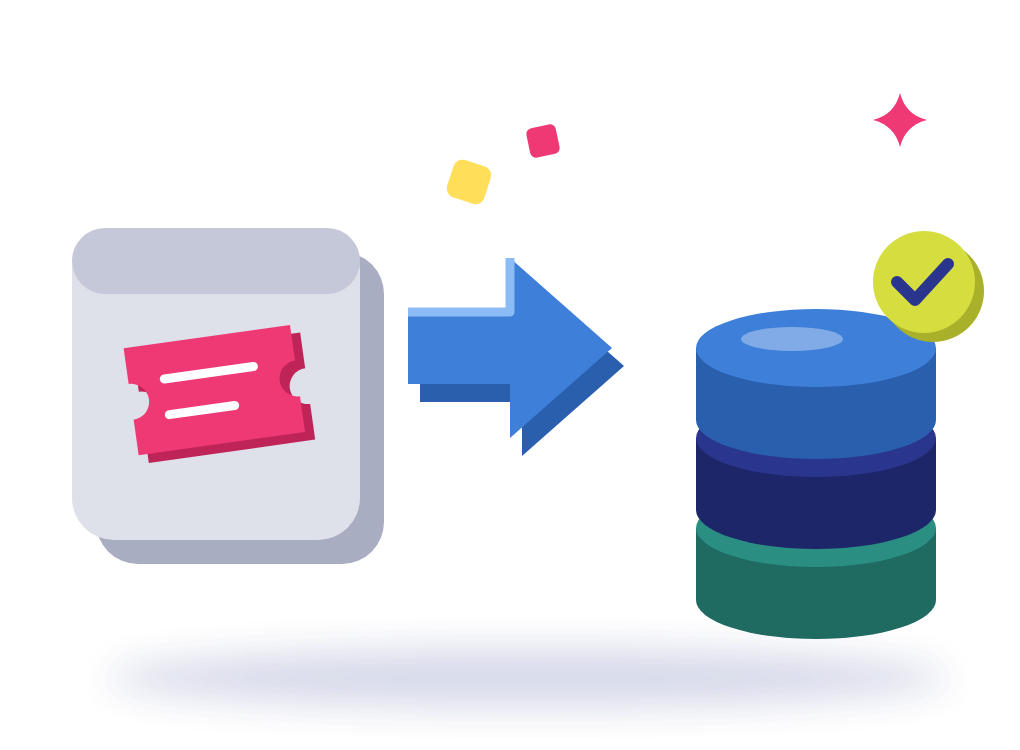
Still on an old helpdesk? Our Salesforce Service Cloud migration brings customers, case history, and articles across. We tidy the data on the way and keep test-loading until your team signs off.
05 · Training
Salesforce Service Cloud Training and Adoption
Agents learn the console. Supervisors get queues and dashboards, while admins pick up the upkeep side. Our Salesforce Service Cloud training and adoption work keeps people on the new process after launch.
06 · AI workflows
Salesforce Service Cloud AI and Agentforce Enablement
With Salesforce Service Cloud AI and Agentforce, agents get first-draft replies and short case summaries, and easy customer questions get answered online. First, though, we check your data, permissions, and licenses.
Selling custom glass doors online isn't like selling off-the-shelf parts. Element Designs needed a store that could handle every detail its sales team handles today.
What we did
Stack Intelligence launched a B2B storefront on Salesforce Commerce Cloud with Cyncly's 3CAD configurator built right into the product page.
Result
Now its trade buyers can design one, price it, pay for it, and ship it, all without leaving the site.
WVA's engagements are project-based and rarely stand still. A client signs for one scope, then adds services, filing fees come up as the work moves through city agencies, and retainers get billed up front.
What we did
Stack Intelligence set up Sales Cloud, Revenue Cloud Advanced, and Revenue Cloud Billing as one connected flow, from the first opportunity to the final payment.
Result
Now every proposal, invoice, and payment lives in one place, and the books stay in sync with QuickBooks Online.
WVA's engagements are project-based and rarely stand still. A client signs for one scope, then adds services, filing fees come up as the work moves through city agencies, and retainers get billed up front.
What we did
Stack Intelligence set up Sales Cloud, Revenue Cloud Advanced, and Revenue Cloud Billing as one connected flow, from the first opportunity to the final payment.
Result
Now every proposal, invoice, and payment lives in one place, and the books stay in sync with QuickBooks Online.
Selling custom glass doors online isn't like selling off-the-shelf parts. Element Designs needed a store that could handle every detail its sales team handles today.
What we did
Stack Intelligence launched a B2B storefront on Salesforce Commerce Cloud with Cyncly's 3CAD configurator built right into the product page.
Result
Now its trade buyers can design one, price it, pay for it, and ship it, all without leaving the site.
Clients rate Stack Intelligence 5/5 on Salesforce AppExchange, and these four quotes came in after their projects wrapped.
"Stack is a great partner. We have an extremely tight timeline to implement a very complex commerce site, and they were able to pull it off."
Vince TanDirector of IT, Ascensus Specialties
"Excellent job end to end (SOW to product launch). They took the time to understand our business and needs. We consider them partners and plan on using Stack Intelligence for future projects."
Dan MeloreEVP Marketing & Operations, Health Evolution
"We engaged Stack Intelligence to build a Salesforce Commerce Cloud medication order site for our patients. They were able to scope out all of our needs and deliver the project on time, even when some of our requirements changed. Post-launch support has been excellent as they always respond quickly when issues arise."
Marketing DirectorHealth & Life Sciences
"Stack Intelligence was always a consistent, knowledgeable partner that made sure all of our needs were met throughout the entire project. The people were very easy to work with."
Manufacturing ExecutiveManufacturing
"Stack is a great partner. We have an extremely tight timeline to implement a very complex commerce site, and they were able to pull it off."
Vince TanDirector of IT, Ascensus Specialties
"Excellent job end to end (SOW to product launch). They took the time to understand our business and needs. We consider them partners and plan on using Stack Intelligence for future projects."
Dan MeloreEVP Marketing & Operations, Health Evolution
"We engaged Stack Intelligence to build a Salesforce Commerce Cloud medication order site for our patients. They were able to scope out all of our needs and deliver the project on time, even when some of our requirements changed. Post-launch support has been excellent as they always respond quickly when issues arise."
Marketing DirectorHealth & Life Sciences
"Stack Intelligence was always a consistent, knowledgeable partner that made sure all of our needs were met throughout the entire project. The people were very easy to work with."
Looking for a Salesforce Service Cloud Implementation Partner?
We help with planning and the build, and we're still around when fixes are needed after launch. Start by telling us what's slowing your support team down right now.
We run every Salesforce Service Cloud implementation in six steps. A small rollout can move quickly. Bigger ones with lots of systems, messy data, or custom work need more time.
Understand Your Customer Service Operations
First, we listen. Our team joins live calls, reads a batch of real cases, and asks supervisors what eats up their day. You'll get a short discovery summary from it. Scope is agreed with you before we go any further.
Design the Service Cloud Solution
In the design document, you can follow a case from the moment it opens until it closes. It covers who owns it, when it escalates, and who can view it. We flag custom work early. Your team signs off before any configuration starts.
Configure and Build
We build in a sandbox, one sprint at a time. Supervisors get a demo at the end of each sprint and poke around the console, queues, and reports to find what's off. Custom code is a last resort after standard features.
Connect Systems and Prepare Data
First, integrations get tested outside your live org. Old cases, contacts, and articles are mapped, cleaned, and loaded in parallel. Then a reconciliation report lets your team check each record and confirm the access settings are correct.
Test and Enable Your Teams
Agents run through real situations, like an email that turns into an escalation, while we watch routing and permissions. We fix whatever breaks. Training follows, and each group (agents, supervisors, admins) learns the screens it will use.
Launch and Continue Improving
We aim to go live at a slower week in your support calendar. During hypercare, we stay nearby, fix problems quickly, and track case volume. After a few weeks, we look at the results with you and decide what to improve.
Why Choose Stack Intelligence for Salesforce Service Cloud Consulting?
What should you look for in a Salesforce Service Cloud consulting partner? These are the things we care about most on every project.
Before anyone opens Setup, our consultants spend time with your support team. Why does a billing case bounce between two groups? Why does chat volume jump every Monday? Answers like those shape the configuration, so the system matches how service should run.
02
02. Salesforce Expertise Across Connected Systems
Stack was started by people who used to work as Salesforce engineers. That helps a lot when case data comes from Commerce Cloud, Experience Cloud, or an ERP and the connections have to be right.
03
03. A Practical Approach to Complex Service Workflows
Changing a single queue and a dashboard somewhere can start showing odd numbers. Since routing, ownership, escalations, knowledge, and reports all affect each other, we plan them together. Your team won't be patching holes with spreadsheets six months later.
04
04. Integration Expertise Beyond the CRM
We set up NITOR's B2B Commerce store and Experience Cloud portal to sync with QuickBooks through MuleSoft. Support teams need that same kind of link to orders, invoices, and shipping. We work out those connections before building.
05
05. Support Beyond Go-Live for Service Teams
Your support desk next spring won't look like it does today. There'll be new products, new case types, maybe a new shift pattern. Our managed services team picks up admin requests, release updates, and enhancements as those changes come in.
06
06. A Foundation for Future Automation and AI
Agentforce gives good answers only when knowledge articles are current, and case data is tidy. From day one, we put permissions, data checks, and article owners in place. That way, the groundwork is ready whenever you want to try AI.
Frequently Asked Questions About Salesforce Service Cloud
Salesforce Service Cloud is the tool support teams use to handle customer requests. Each request becomes a case, whatever channel it came through, and agents work every case from one screen with help articles close by. Supervisors check queue sizes and agent workloads on a dashboard. It's built on the same platform as Sales Cloud, so account history is in the same place too.
Case management is what most Salesforce Service Cloud features are built on. Omni-Channel routing hands each new case to an available agent. The Service Console then puts that customer's past cases and details on the same screen. On top of that, there's a knowledge base, a self-service portal option, and Flow, which takes care of escalations and status changes. Reports track volume and backlog. Agentforce adds AI on top, depending on your licenses.
Salesforce Service Cloud services usually mean consulting and implementation, plus integration and data migration where needed. Testing, training, and post-launch support round it out. Not every project uses all of these. A team rolling out Service Cloud for the first time usually needs most of them, while a team that already has it may only want routing fixed. We figure out which applies on the first call.
Every Salesforce Service Cloud implementation opens with discovery. We spend that phase looking at your case types and channels, and at how your team is set up. Your team then approves a solution design. After that, we configure queues, routing, the console, knowledge, and reports, connect your other systems, and move the data. Agents test real scenarios and get trained before launch. The process section above has the details.
A Salesforce Service Cloud consultant's real job is figuring out how your support process ought to work. Salesforce gets shaped around that answer. Some days that's interviews with agents. Other days go to requirements and routing sketches. Sometimes it's simply checking on the build. Good ones will also tell you when an idea would make the console harder for agents to use.
Start with experience. Has this person, or their firm, done a project that looks like yours? Same integrations? A data migration? Their Salesforce certifications matter as well. Then get specific. Which people will be on your project every day? Who owns testing? Ask how often they'll check in with you. Weekly? Only at milestones? You'll want to know what their support looks like after launch, too. Not sure yet? Try them on a small discovery engagement first. You'll learn a lot from how they run it.
Your shortlist should be partners who've already built something close to what you need. Then check their technical chops. One easy check is to get a Salesforce Service Cloud implementation partner on a call and ask how they'd handle integration, migration, and testing for your setup. Fuzzy answers on that call tell you plenty. There should be a concrete plan for helping agents adjust, too. And find out who picks up the phone when something breaks after launch. Price counts, of course. But a setup your agents avoid usually ends up costing you more.
Usually. Salesforce Service Cloud integration hooks into whatever APIs or connectors your other systems have. What's realistic also depends on your data model and security setup. We lean on MuleSoft for ERP, commerce, phone, and billing tools, or go direct through the standard Salesforce APIs. Before we build, you and our team agree on which data syncs and how often, and on the fallback for a sync that fails.
Yes. Most requests need configuration only. Think new case fields or record types, an extra queue, a different page layout, an approval step. Code only comes in when a workflow is truly odd or needs logic Flow can't handle. We think about maintenance with every custom piece, since each one has to be checked during Salesforce's three releases a year.
Yes. Omni-Channel routing looks at who's free, what they're good at, and which languages they speak, then hands the case over. A case's urgency changes who gets it first. Close to a deadline, escalation rules kick in and either bump it up the queue or move it to someone else. We don't guess at these rules. We pull your case data and build from that.
Yes. Agents see knowledge articles inside the console. Customers get the same articles through a help center built on Experience Cloud. A password reset or an order check can then happen without a ticket ever being opened. That leaves agents free for the harder stuff. Articles go stale fast. Each one gets an owner and a review date.
Put Service Cloud and Sales Cloud in one Salesforce org and both teams work from the same accounts and contacts. Before calling a customer back, an agent can see whether there's an open deal. A sales rep heading into a renewal can see open cases. What each team can view comes down to sharing rules and access settings.
There's no single answer. Scope matters most, followed by the number of integrations, the data migration, any custom work, and how much time your team can give us. One support team with a focused setup often goes live in a few months. Larger programs need longer. You'll get a real timeline after discovery.
Most teams keep a partner around after launch. That might be everyday admin work or fixing things that break. It might also be new queues and reports, or testing ahead of a Salesforce release. Every few months, we go through your case data with you, find what's slowing agents down, and agree on the next improvements.
Often, yes. Agentforce can summarize long cases, draft replies for agents to review, and handle simple customer questions in chat. Whether it suits your team depends on your licenses, how good your case data and knowledge articles are, and the permissions involved. We check those first and start with a single use case.
Ready to Build a Better Customer Service Experience With Salesforce?
Rolling out Service Cloud, connecting it to other systems, or fixing an org that never worked right? One call is a good place to start, and we'll help you plan what comes next.