What is Salesforce implementation cost?
Salesforce implementation cost is what you pay, once, to get Salesforce built and running for your business. Planning, setup, connections, data moves and training. That’s the bundle. It does not include your Salesforce licenses. Those are billed on their own, every month or year.
Translation: there are two bills. One is the build. The other is the subscription.
What are you actually paying for?
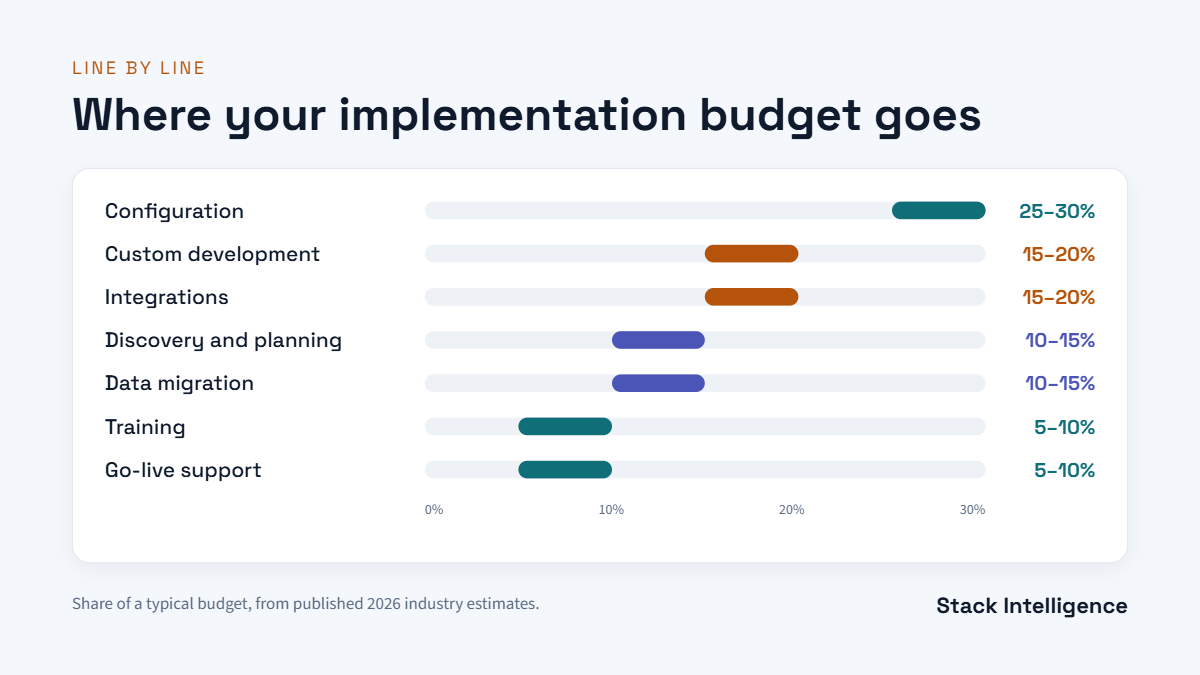
Most implementation quotes break down into the same parts:
- Discovery and planning. Workshops to map your processes and agree on scope.
- Configuration. Objects, fields, page layouts, Flows and permissions.
- Custom development. Apex or Lightning components, when setup alone can’t do it.
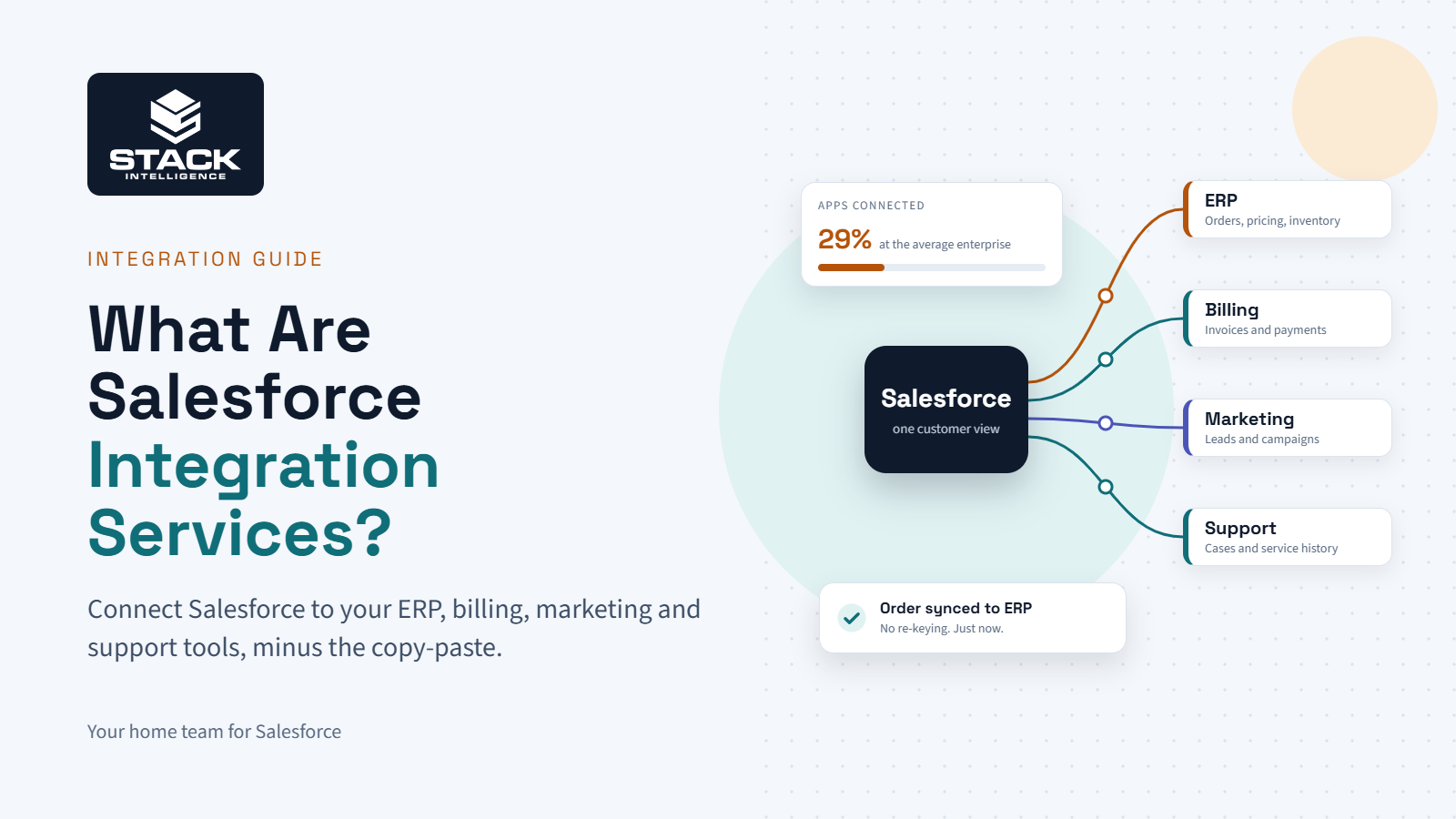
- Integrations. Hooking Salesforce up to the ERP, billing, marketing tools or website.
- Data migration. Old records, scrubbed and moved in. Dupes go first.
- Testing. Real users try it before launch.
- Training and go-live. Getting people comfortable, then support in the first weeks.
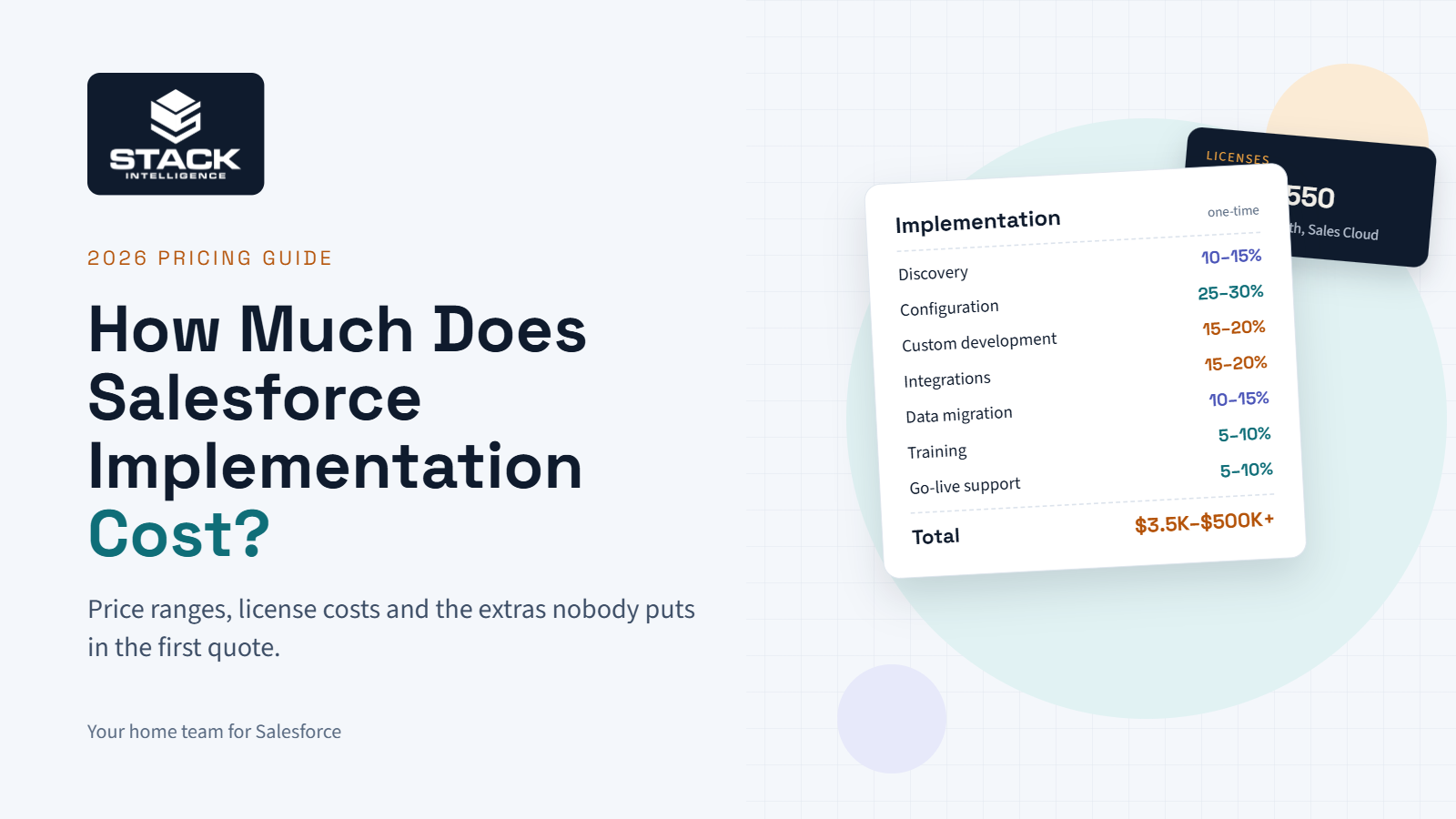
Published 2026 industry estimates show how a typical implementation budget tends to split:
| Work area | Share of implementation budget |
|---|---|
| Configuration | 25–30% |
| Custom development | 15–20% |
| Integrations | 15–20% |
| Discovery and planning | 10–15% |
| Data migration | 10–15% |
| Training | 5–10% |
| Deployment and go-live support | 5–10% |
Configuration takes the biggest slice. Training takes the smallest, and it’s also the part teams are most tempted to cut. Don’t. A system nobody uses is the most expensive build there is.
How much does Salesforce implementation cost by business size?
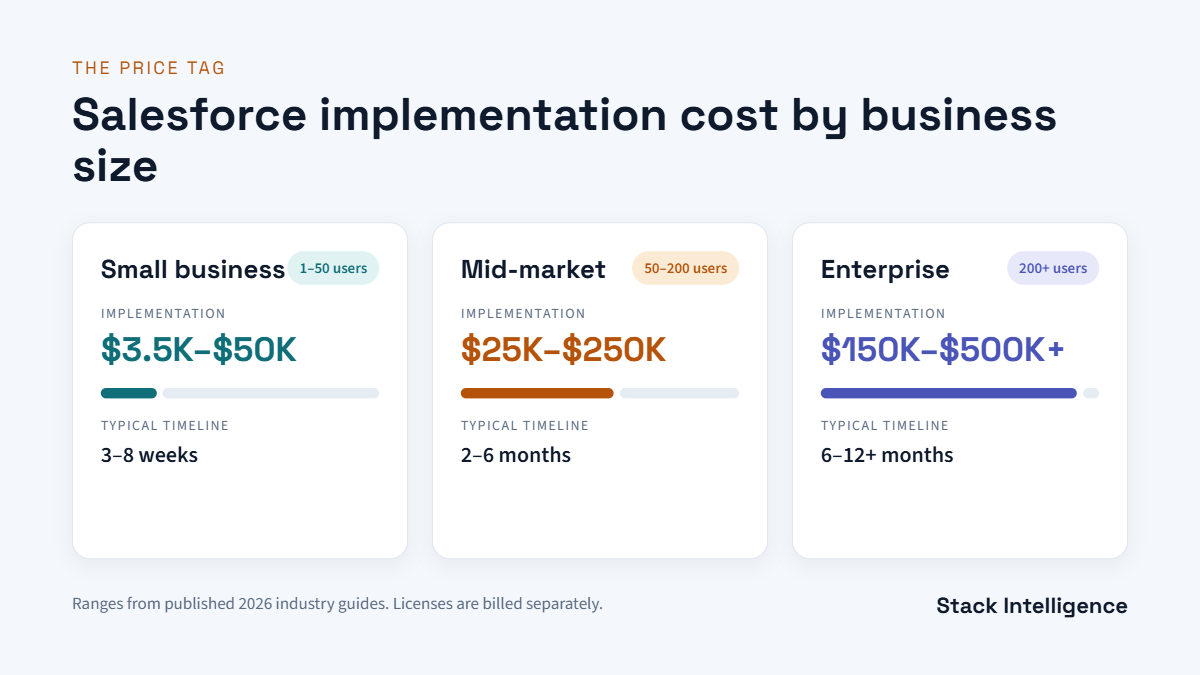
Published 2026 industry guides land in roughly these ranges. Treat them as a sanity check, not a quote.
| Business size | Typical users | Implementation cost | Typical timeline |
|---|---|---|---|
| Small business | 1–50 | $3,500–$50,000 | 3–8 weeks |
| Mid-market | 50–200 | $25,000–$250,000 | 2–6 months |
| Enterprise | 200+ | $150,000–$500,000+ | 6–12+ months |
Why such a big gap for small businesses? The low end assumes an out-of-the-box Starter setup. The high end assumes real customization and some data migration. Same company size, very different projects.
So don’t budget off the table alone. Hold your quotes up against it instead, and question any that land way outside these numbers.
What do Salesforce partners charge per hour?
Many partners bill by the hour, at least for part of the work. Published 2026 industry rates look like this:
- Certified partner firms: roughly $100 to $300 an hour.
- Independent freelancers: roughly $50 to $150 an hour.
Where the team is based, how senior they are and what they specialize in all move the rate.
Cheaper hours don’t guarantee a cheaper project. A senior team that finishes in half the hours can cost less overall.
It’s why Stack keeps its crew small and senior. Fewer handoffs means fewer wasted hours on your bill.
How much do Salesforce licenses cost?
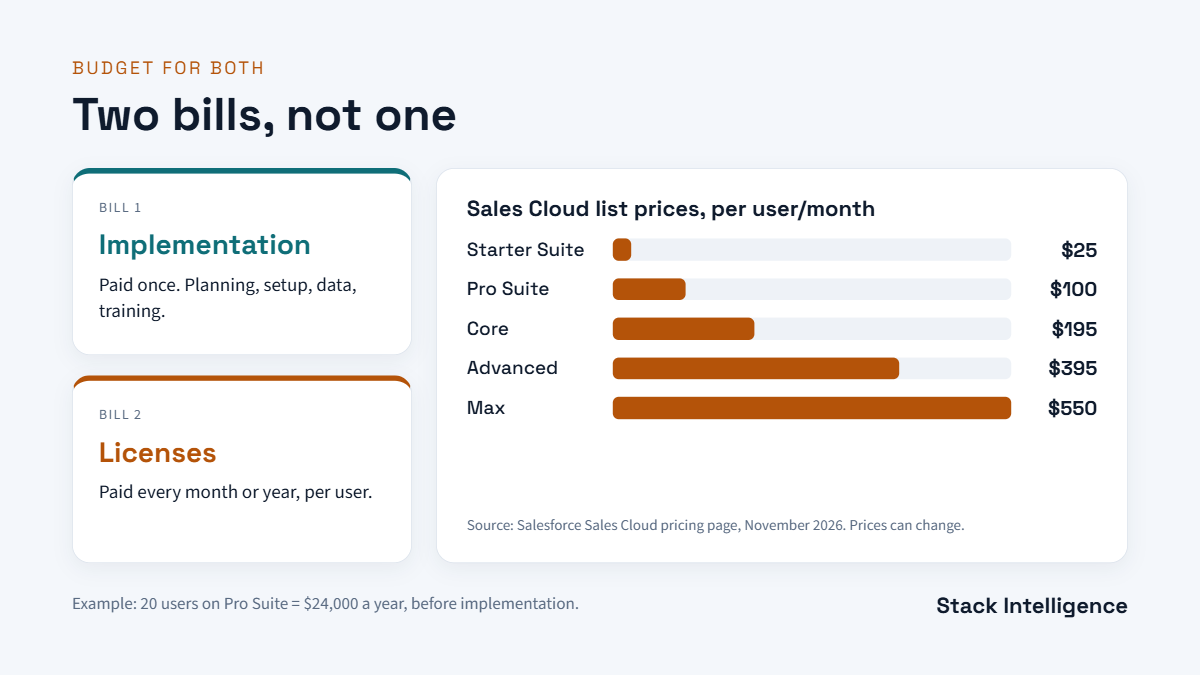
Licenses are the second bill. Here’s what Salesforce’s Sales Cloud pricing page lists right now, in US dollars:
| Sales Cloud edition | List price | Billing |
|---|---|---|
| Free Suite | $0 | — |
| Starter Suite | $25 per user/month | Monthly or annually |
| Pro Suite | $100 per user/month | Annually |
| Core | $195 per user/month | Annually |
| Advanced | $395 per user/month | Annually |
| Max | $550 per user/month | Annually |
Salesforce says these prices are for information only and may change, so take another look before you lock in your budget.
Say you have 20 people on Pro Suite. That’s $2,000 a month, or $24,000 over a year, and none of it covers implementation. That’s the number to add on top of your build quote.
Other Clouds, like Service Cloud and Marketing Cloud, have their own pricing pages. Add-ons like Agentforce and Data Cloud are often priced separately, too.
What drives Salesforce implementation cost up or down?
Same-size company, quotes $100,000 apart. It happens a lot. The usual culprits:
- Number of Clouds. Sales Cloud alone is simpler than Sales, Service and Marketing Cloud together.
- Integrations. Each connection (ERP, billing, you name it) has to be designed, built and tested.
- Data volume and quality. Clean records are quick. Messy ones mean a cleanup first.
- Custom code. Clicks beat code on speed and upkeep. Custom Apex costs more now and later.
- Number of teams. Each new department brings its own meetings, sign-offs and training.
- Compliance needs. Regulated industries need extra security and testing work.
- Speed. Need it by next quarter? You’ll pay for more hands at once.
Which hidden costs catch teams off guard?
These rarely show up in the first quote. They show up in month three.
- Post-launch help. Bugs, user questions, small tweaks. Someone has to own them.
- Release updates. Three Salesforce releases a year: Spring, Summer, Winter. Each one needs a quick check.
- AppExchange apps. E-signatures, document builders, dedupe tools. Most cost extra.
- More sandboxes or storage. Bigger teams and bigger data sets can push you past what your edition includes.
- Admin time. Whether it’s a hire or a partner, somebody needs to own the system.
- Change management. Getting people to drop old habits takes time, and time costs money.
At Stack, we put these on the table during discovery. That way they’re in your budget from day one, not a surprise later.
What pricing models do Salesforce partners use?
Most partners use one of three models, or a mix:
| Model | How it works | Best when |
|---|---|---|
| Fixed price | One agreed price for a defined scope | Requirements are clear and stable |
| Time and materials | You pay for hours actually worked | Scope is still evolving |
| Monthly retainer | A set monthly fee for ongoing work | You need support after launch |
Fixed price gives you budget certainty. Time and materials gives you flexibility. Many projects use fixed price for the build, then a retainer after go-live.
Not sure which fits? We’ll tell you which model makes sense for your project, and why, before you sign anything.
Why do Salesforce projects go over budget?
It’s rarely one big mistake. It’s usually a few small ones:
- Scope creep. New “quick asks” pile up mid-build.
- A rushed discovery. Unknowns surface during the build, when they cost more to fix.
- Data surprises. Nobody looked closely at the old data until migration week.
- Slow decisions. While the team waits for approvals, the hours still add up.
How can you lower your Salesforce implementation cost?
A complicated project won’t ever be cheap. What you can do is stop paying for wasted effort.
- Start with a proper discovery. A few weeks of planning costs far less than rebuilding.
- Launch in phases. Get the essentials live first and save the extras for phase two.
- Pick configuration over code. You’ll build sooner and spend less keeping it running.
- Clean your data before migration. Toss old records nobody uses. Fix duplicates early.
- Name one internal owner. Fast decisions keep the build team moving.
- Don’t skip training. If people don’t use the system, the money you spent on it is wasted.
Should you do it yourself or hire a partner?
DIY can work for a very small team on Starter Suite with clean data. Your cost is mostly your own time.
Add integrations, a data move or a second Cloud, though, and bringing in a partner tends to pay off. It costs more at the start, but it saves you from redoing work, missing dates and launching something nobody likes.
How do you compare Salesforce implementation quotes?
Put every proposal side by side and check:
- Is the scope written out, including what’s not included?
- Are licenses shown separately from implementation?
- Who exactly is on the team, and what are their certifications?
- Is data migration priced, or left vague?
- Does it cover training, and how many people get trained?
- What support do you get after launch, and at what price?
Quotes that are miles apart usually mean the scope isn’t the same. Have each firm show you exactly what’s included and what isn’t. At Stack, every proposal covers all six points above in plain English.
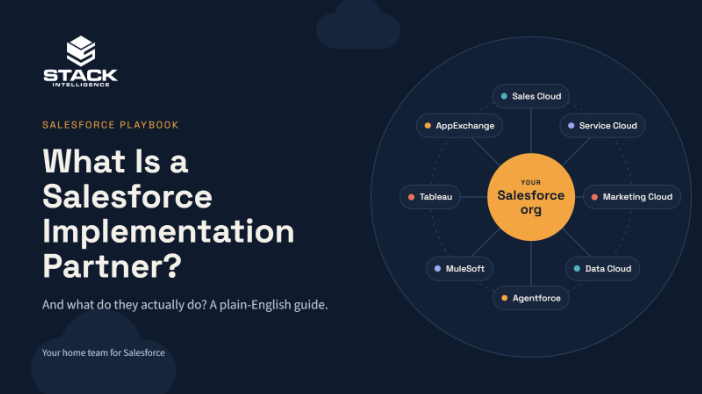
Want the full checklist for picking a firm? Read our guide on what a Salesforce implementation partner actually does.
How does Stack price Salesforce projects?
Stack Intelligence is a Salesforce team based in Beachwood, Ohio. We’re hometown friends who’ve been running plays together since Little League.
We don’t guess at your Salesforce implementation cost on a first call. First we dig into your setup, your data and what you’re aiming for. Then you get a scope in plain English. What’s in. What’s out. No surprise line items in month three.
The scoreboard isn’t hours billed. It’s a system that works, and a team that actually logs in.
Book a 25-minute working session. Bring your setup and a rough budget. Leave with a much clearer number.
Keep exploring
Want to see what’s included when we run a rollout? Take a look at our Salesforce implementation services.
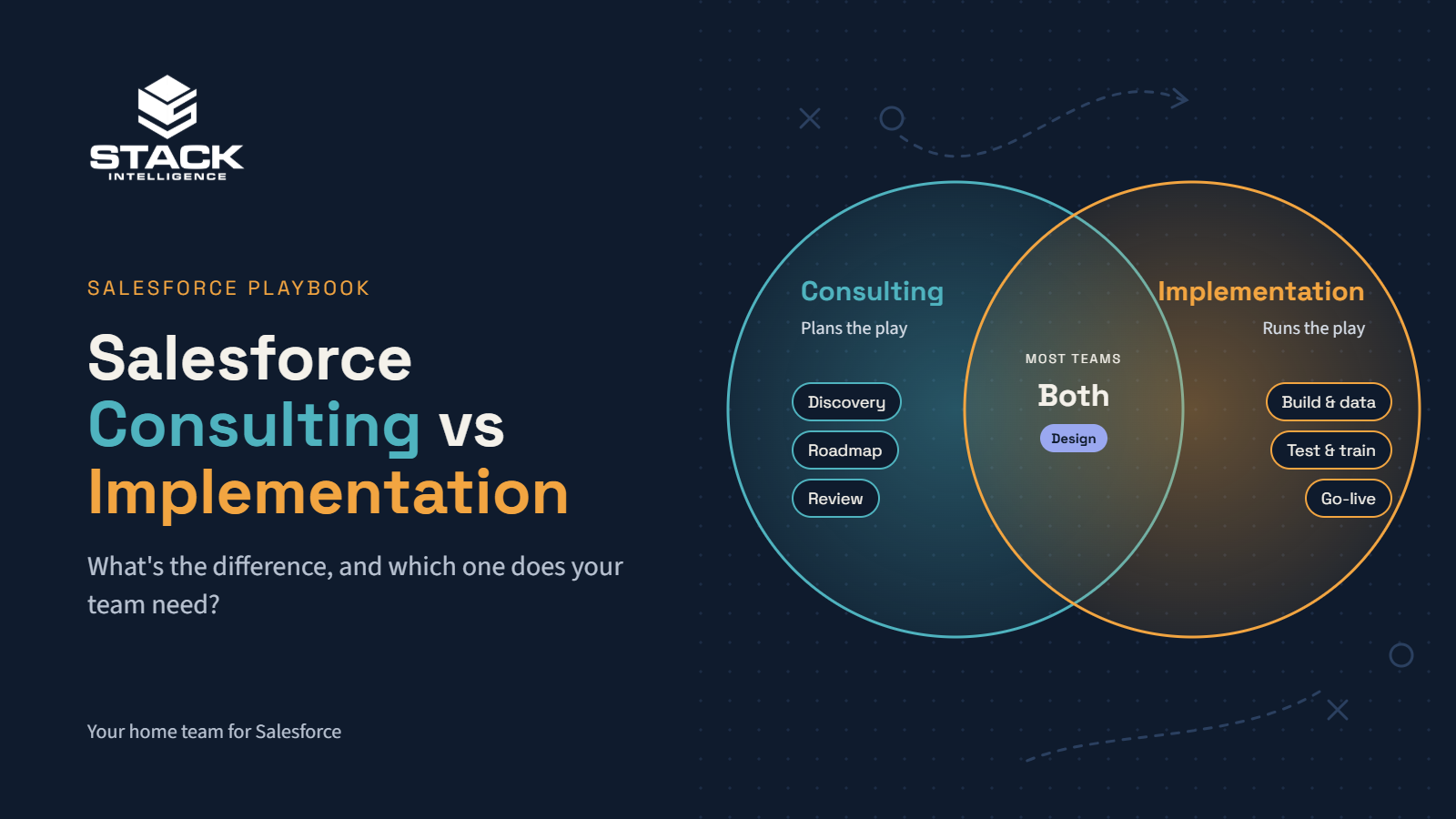
Not sure what help you need yet? Start with Salesforce consulting vs implementation. Then read what a Salesforce implementation partner actually does.
Want a number for your own project? Book a working session and we’ll walk through it with you.
We share short Salesforce tips and client wins on social. Follow Stack on LinkedIn to keep up.