





Best Salesforce Integration Services in the USA

Stack Intelligence is a Salesforce integration company. We plug Salesforce into the software you already use. Think ERP, accounting, or your online store. You enter an order once. Every system that needs it gets a copy. Small jobs need a simple API call. Bigger ones might need MuleSoft.

on AppExchange
5/5
Salesforce certifications
150+
projects
550+

Trusted by Enterprise Teams as a Salesforce Consulting Partner

Logos of Texas Instruments, American Express, Fiserv, Autodesk, Target, Honeywell, Dell and Delta Air Lines have worked with Stack Intelligence on Salesforce.

Salesforce Integration Services For Your Connected Technology Ecosystem

We draw the map before we write a connector. Every system that touches Salesforce goes on it. We note what each one sends and what it expects back. Then each flow gets its own pattern. A nightly price update needs one setup. A two-way order sync needs another. Salesforce's architecture guides agree.

You walk away with:

  • A current-state map of systems, APIs, and dependencies
  • An integration pattern and API approach for every flow
  • Security, governance, and scale plans signed off before the build

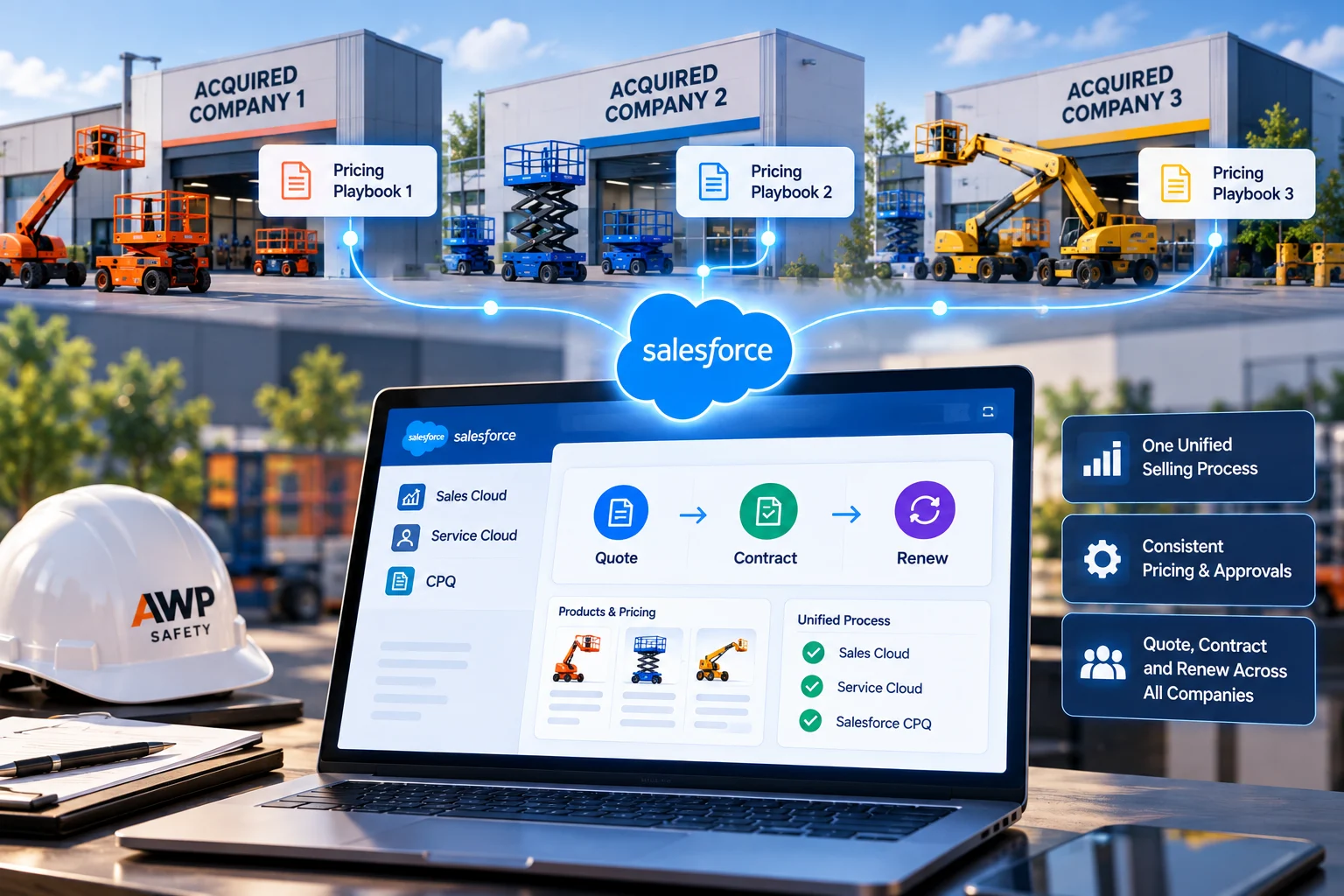
Your reps shouldn't have to open the ERP to check if an order shipped. We sync leads, accounts, opportunities, and orders between Salesforce CRM and your other tools. Using more than one cloud? We connect those too. Sales Cloud, Service Cloud, Experience Cloud, and Agentforce Revenue Management (formerly known as Revenue Cloud) share one data model. Translation: your rep and your support agent see the same customer.

You walk away with:

  • Lead, account, contact, and order sync
  • Salesforce data integration with duplicate and conflict rules
  • Cross-cloud and multi-org connections

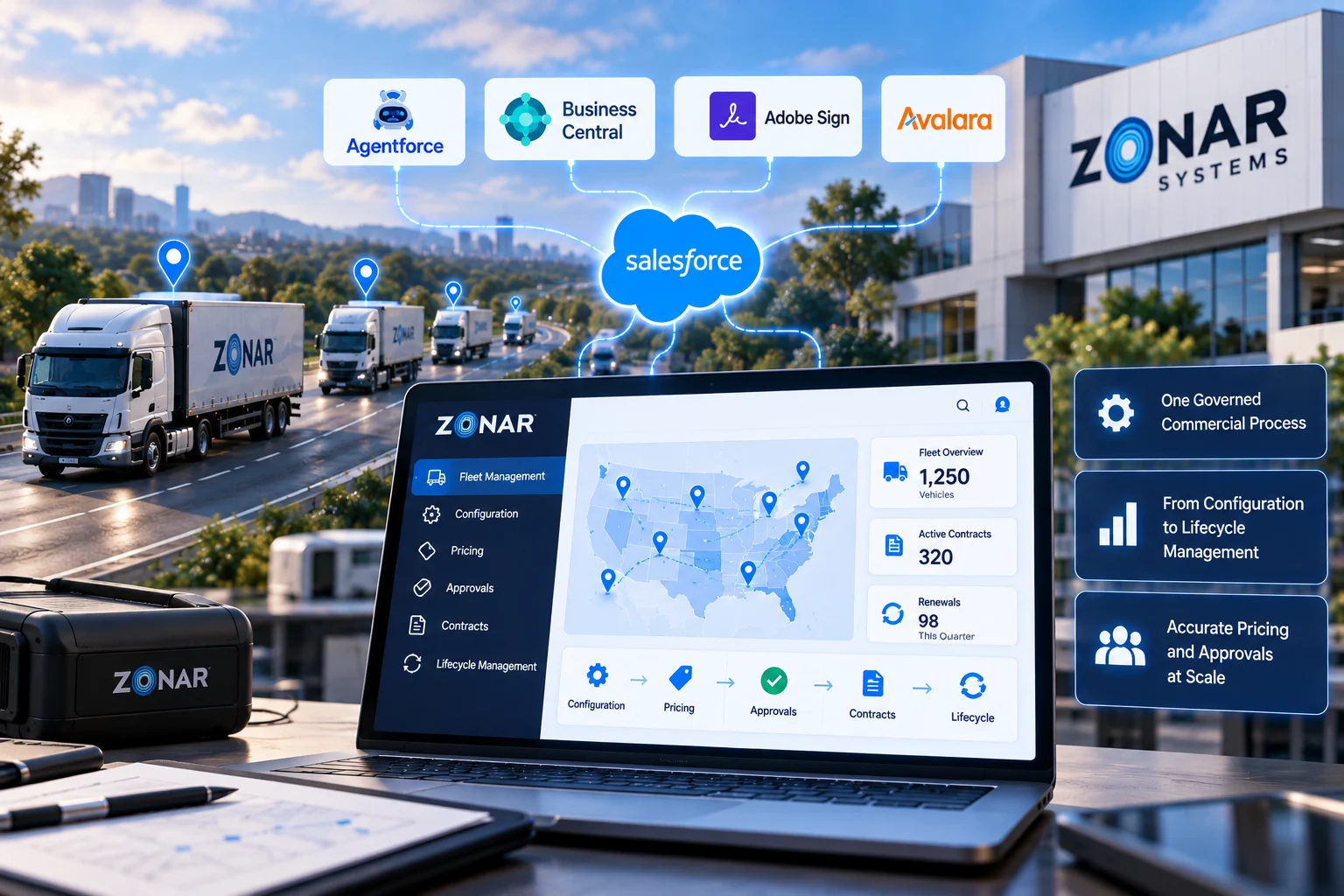
Most quote-to-cash trouble starts where Salesforce hands off to the ERP. SAP, Oracle, NetSuite, Microsoft Dynamics 365: we connect Salesforce to all of them, Business Central included. Some data, like price lists, can sync once a night. Orders and inventory usually can't wait that long, so those move the moment something changes. Zonar Systems' orders reach Business Central this way.

You walk away with:

  • Signed quotes that land in the ERP as orders
  • Product, price, and inventory data pulled into Salesforce
  • Invoice and payment status that sales and finance can both see

Picking the right Salesforce API saves pain later. Day-to-day record updates go over REST. Big loads go through Bulk API 2.0. GraphQL helps when one screen needs an account, its contacts, and its orders. Some changes must reach another system in seconds. For those, we send a Platform Event or use Change Data Capture. The other system listens on Pub/Sub API.

You walk away with:

  • REST, SOAP, Bulk API 2.0, and GraphQL integrations
  • Platform Events, Change Data Capture, and Pub/Sub API subscribers
  • OAuth, retries, and logging on every connection

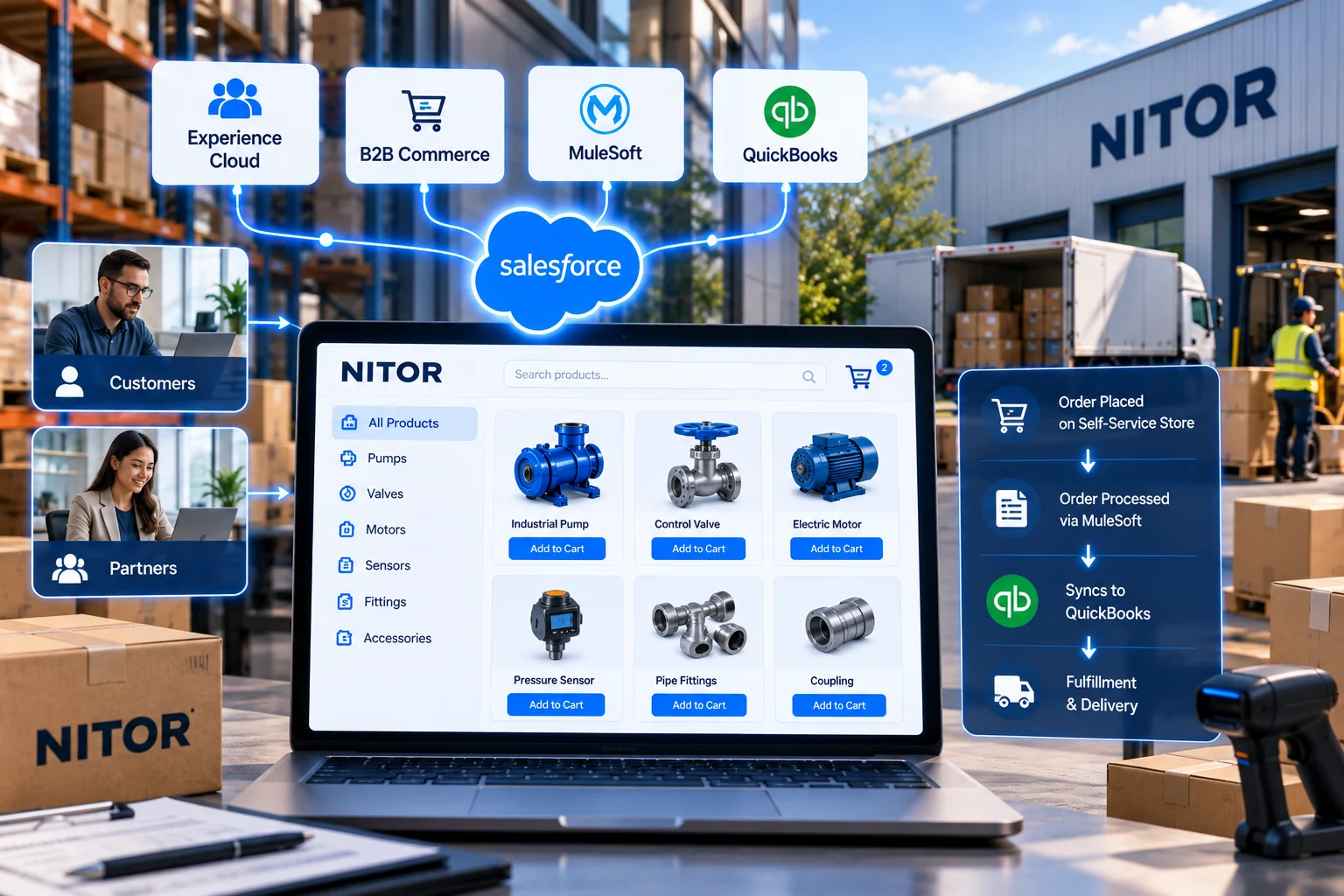
MuleSoft is worth the license once you're past a handful of systems. It also helps if you're stuck with one-off connections nobody wants to touch. We build on Anypoint Platform with API-led connectivity. There are three layers. The bottom one talks to your back-end systems. The middle one holds the business rules. The top one feeds the apps. If a direct API call is enough, we'll say so.

You walk away with:

  • System, process, and experience APIs on Anypoint Platform
  • Data transformation and orchestration across systems
  • Reusable API assets your team can extend

Some integrations technically work and still cause headaches. The developer who built them left two years ago, and when a sync fails, finance notices at month-end. We start with an audit of everything that's running. Then we rebuild the shakiest point-to-point links and put retries and alerts on the rest. Then we keep watch after launch.

You walk away with:

  • An audit of every existing integration
  • Fewer, documented connections with error handling
  • Ongoing monitoring and fixes

Looking For The Best Salesforce Integration Services For Your Business?

Got an ERP, a billing tool, or some homegrown app that Salesforce needs to talk to? Send us the list of systems. We'll get on a call and sketch out how they should connect.

Salesforce Integration Services That Solve Real Business Problems

  • Your Team Retypes Data Between Systems

    Someone copies an order from Salesforce into the ERP, then copies the invoice number back. It's slow, and one typo throws off finance. Our team automates that handoff. After that, the order gets typed in one time, by one person.

  • Salesforce and Your ERP Disagree

    Sales quotes $4,200. Finance invoices $4,350. Somebody loses Friday afternoon figuring out why. Our fix is to name an owner for every field (price lives in the ERP, say) and have every other system copy from it.

  • Old Integrations Keep Breaking

    That connector from 2019 stops working on a Tuesday, and you hear about it from a customer the next week. We rebuild the fragile ones and wire alerts into the rest, which means a failed sync pings someone the same day.

  • Data Shows Up Too Late

    A nightly batch works for history. Quoting off yesterday's stock count is another story. For flows like that, we switch to APIs or events, and changes show up in Salesforce within seconds.

  • Every New System Means Starting Over

    Five tools in, you have five custom connections, each built a little differently. We build APIs you can reuse (MuleSoft is often the right home for them), and the sixth system hooks into what's already there.

  • Your Data Isn't Ready for Agentforce

    An Agentforce agent that can't see your ERP will happily answer with old numbers. We link it to the systems holding order, billing, and service data before you turn it loose on customers.

Salesforce Case Studies From the Field

Pick a cloud and see what we built, for whom, and what changed after go-live.

View All

Stack Intelligence Client Testimonials

Clients rate Stack Intelligence 5/5 on Salesforce AppExchange, and these four quotes came in after their projects wrapped.

Industries We Serve With Salesforce

Pricing and service work differently in each industry, so we design Salesforce around yours.

Advanced manufacturing plant

Manufacturing

Configurable products, dealer pricing, quoting and field service in one Salesforce org.

Read More
Enterprise data center

High Tech & Software

Subscription billing, partner programs and integrations that keep up as you grow.

Read More
Financial district architecture

Financial & Professional Services

We set up Salesforce so your team sees the whole story on one record.

Read More
Medical research laboratory

Healthcare & Life Sciences

Patient and customer portals, ordering and service workflows with secure data.

Read More
Online shopping cart with parcels

Retail & Consumer Services

When we're done, your staff can pull up any order, booking, or chat from one customer record.

Read More
Truck fleet at a depot

Automotive & Transportation

Stack Intelligence sets up Salesforce Automotive Cloud so carmakers, dealers, and fleets share one view.

Read More
Classroom desk with books and pencils

Education

Your institution probably runs on a dozen systems that rarely talk to each other.

Read More
Two construction workers in hard hats at a building site

Construction & Real Estate

If you sell homes, lease offices, or build them, you're tracking a lot of people at the same time.

Read More
Public civic building

Public Sector

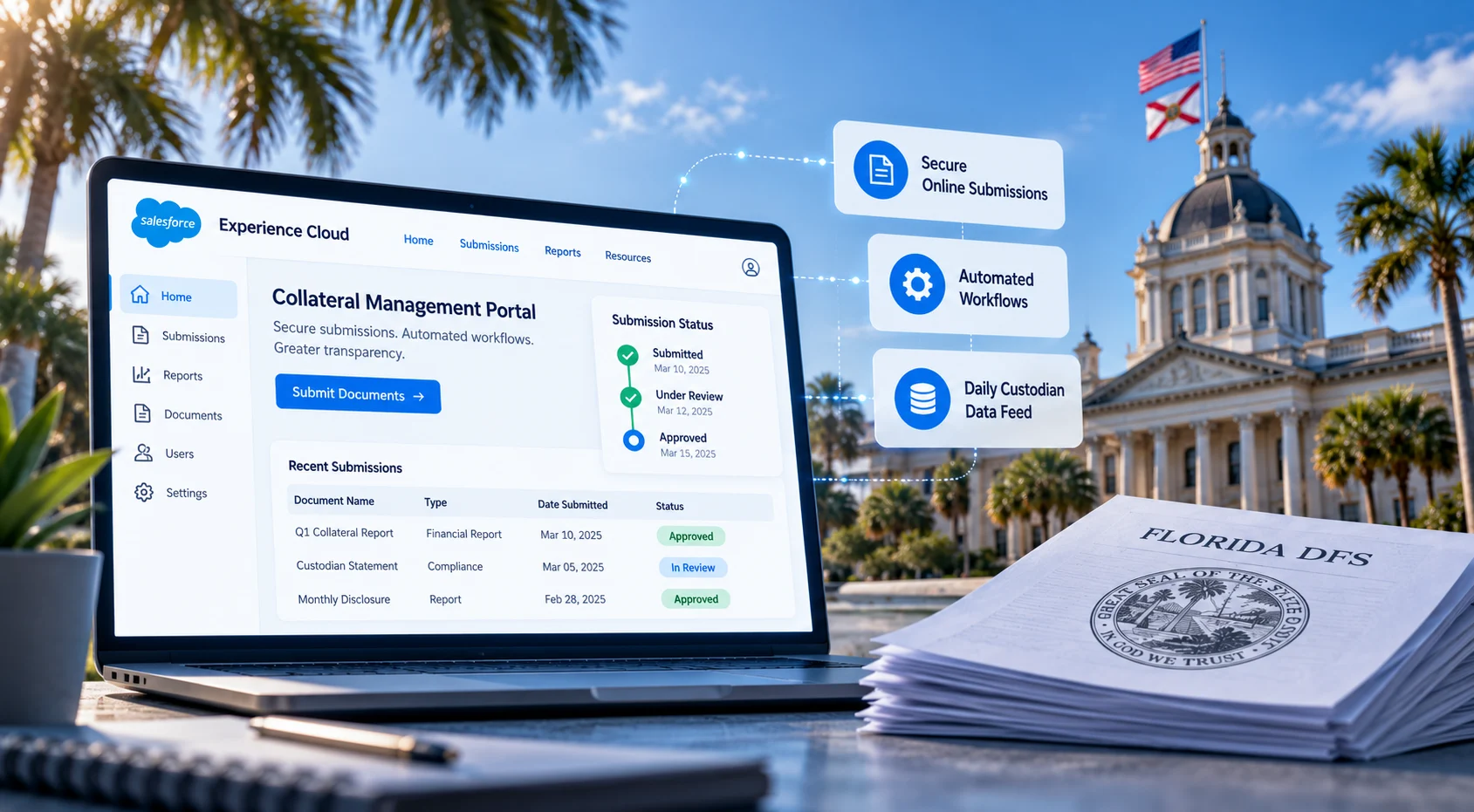
Experience Cloud portals and oversight workflows, plus ServiceNow work for federal and utility clients.

Read More

Need A Salesforce Integration Company in the USA?

Where there's one disconnected system, there's usually a pile of duplicate records and a spreadsheet somebody updates by hand. We work on both ends of the connection, Salesforce on one side and your ERP, billing, commerce, or custom apps on the other. Get in touch when you're ready.

Our Salesforce Integration Services Process

Get a tailored integration plan
  1. Assess Your Integration Landscape

    We list every system and API that touches Salesforce. That includes the old scripts nobody likes to talk about. We note what's broken today. We also note which systems depend on each other.

  2. Define the Integration Architecture

    Each flow gets a pattern and an API approach. We decide who owns it and how it's secured. Then we test the design against future volume. A sync that's fine at 500 orders a day can fall over at 5,000.

  3. Design The Data & API Layer

    Here we go field by field. We write the mapping rules. We decide what happens when a record fails. Some flows run live, and others run in batches, and we settle which is which. On MuleSoft projects, the three API layers get designed here.

  4. Build & Connect

    We build in a sandbox. Connectors get set up and APIs get written. Salesforce gets ready to take the data in. You see a working demo at the end of each sprint.

  5. Test & Validate

    We test with real-sized data, because ten records will pass almost anything. Then we try to break it. We force timeouts. We send bad payloads. We shut a system off mid-sync. Security review and user acceptance testing come last.

  6. Deploy, Monitor & Optimize

    At go-live, we turn on monitoring and alerts. Your team gets the documentation. We keep an eye on things afterward and adjust when volumes climb, or a system gets upgraded.
Why Choose Stack As Your Salesforce Integration Company in the USA?

Our first questions are about your business, like who needs the order data and how fast. Tools come later. You also keep the same architect from kickoff to launch, and that continuity is a big part of why 95% of our clients come back.

Hire Salesforce Consultants
  1. 01. Business Processes Before Integration Technology

    We start with the handoff: who needs which data, and when. The tooling comes after that.
    02. Salesforce + Enterprise Integration Expertise

    Our team knows Salesforce from the data model up, and the systems on the other end too. Zonar Systems builds links between Salesforce and Business Central, an Azure message bus, VIN Lookup, Avalara, and iDialogue.

  2. 03. The Right Integration Pattern For The Job

    Some flows need MuleSoft. Plenty don't, and a direct API call or Salesforce Connect does fine. We'll recommend the cheaper route whenever it holds up.

    04. Data That Moves Reliably

    Every build we ship includes retry logic and monitoring. If a record doesn't make it across, an alert goes out that day.

  3. 05. Integration-Ready For AI

    When Agentforce lands on your roadmap, it'll need live access to orders, billing, and service data. The connections we build now already cover that.

    06. Here for the Whole Season

    After launch, we stick around for fixes, monitoring, and whatever system you add next. A lot of clients roll right into Salesforce Managed Services.

Frequently Asked Questions About Salesforce Integration Services

Salesforce integration services connect Salesforce to your other business software, such as an ERP or a billing system. Data then moves between them on its own. Nobody copies it by hand. Most projects cover planning, the build, field mapping, testing, and support after go-live.

A Salesforce integration company is the outside team that plans, builds, and maintains the links between Salesforce and your other systems. At Stack Intelligence, based in Beachwood, Ohio, one team handles all of it. The people who designed your integrations are the same ones you call when something needs changing.

If a system has an API, Salesforce can almost certainly connect to it. ERPs come up most often (SAP, Oracle, NetSuite, Microsoft Dynamics 365). We also see QuickBooks, Avalara for tax, Stripe for payments, and Shopify on a regular basis. Custom apps built in-house connect too.

Salesforce CRM integration services keep your CRM records matched with your other systems. A new account in Salesforce shows up in the ERP. A finance invoice shows up on the opportunity. Sales, service, and finance work from the same numbers.

Salesforce cloud integration services tie separate Salesforce clouds together, and sometimes separate orgs, so one can pick up where the other leaves off. One example is Sales Cloud passing a closed deal to Agentforce Revenue Management (formerly known as Revenue Cloud) for ordering and billing.

Yes. It's one of the integrations we build most. Accounts, products, and prices usually come from the ERP, orders go back to it, and invoices and stock levels flow into Salesforce. Some of that happens live and some on a timer. Zonar Systems is a good example, since its Salesforce orders land in Microsoft Dynamics 365 Business Central.

Yes. All three expose APIs that Salesforce can call directly, and MuleSoft has ready-made connectors for each. Which route makes sense comes down to your ERP version, how much data moves, and whether other systems need the same feed.

No. Lots of integrations work fine with Salesforce's built-in APIs, Platform Events, or Salesforce Connect. MuleSoft starts to earn its cost once you're juggling many systems, or a web of point-to-point links that keeps breaking.

Most integrations use the REST API for everyday record work. Bulk API 2.0 takes over for big loads, and Pub/Sub API handles event streams. GraphQL helps when you need related records in one request, and SOAP is still around for older systems. If none of them fit, we write a custom Apex REST or SOAP endpoint.

API-led integration is MuleSoft's way of organizing connections into layers. System APIs at the bottom talk to back ends like the ERP. Process APIs in the middle combine that data for something like order fulfillment, and experience APIs on top hand it to Salesforce or a portal. The payoff shows up on your next project, because those APIs are already built.

Real-time means an update goes out as soon as a record changes, through an API call, a Platform Event, or Change Data Capture. Batch means records pile up and move together on a schedule, usually through Bulk API 2.0. We put orders and service cases on real time. Ten years of order history can go overnight.

Yes. If your app has an API, Salesforce can call it. If it doesn't, we flip it around and give the app an Apex REST endpoint to call into Salesforce. Platform Events and Salesforce Connect are other options, depending on how fresh the data has to be.

They're as secure as their setup. On our builds, credentials sit in Named Credentials with OAuth 2.0, and each integration runs as an API-only user that sees only the fields it needs. Data is encrypted in transit, and we log every connection so odd activity stands out.

Salesforce integration services are priced on scope. Connecting one ERP costs less than connecting six systems through MuleSoft, and cleaning up old integrations adds time. You'll get a number after discovery, in a written proposal that spells out scope, team, and timeline.

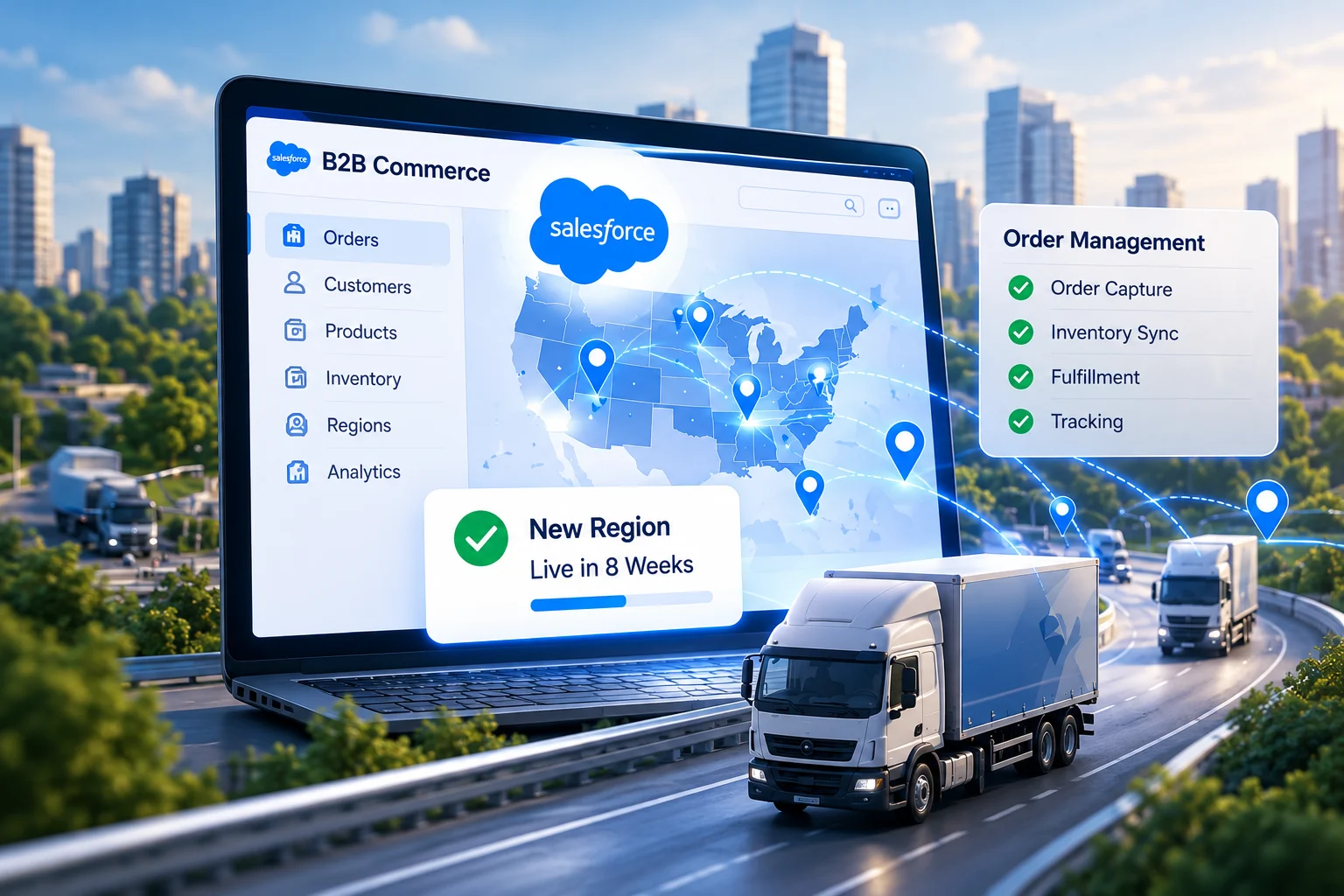
One connection to one system often takes a few weeks. Bigger projects, with several systems or a legacy cleanup, tend to run a few months. Brave Mobility's B2B Commerce and Order Management build was live in 8 weeks. We'll give you a firm timeline once discovery is done.

The best Salesforce integration services for you come from a partner that has already connected Salesforce to the systems you run. A few things worth asking before you sign:

  • Case studies with your ERP, finance, or commerce platforms
  • Whether they pick APIs, MuleSoft, or events based on the need
  • How they test failures, retries, and high volumes
  • Who monitors the integrations after go-live
  • Certifications of the people who will actually build it

Ready To Connect Salesforce To The Rest Of Your Business?

Maybe it's one ERP connection. Maybe it's an old integration that keeps breaking, or a MuleSoft rollout you've been putting off. Tell us what you're working with. We'll plan it, build it, and keep it running.