





Salesforce Sales Cloud Consulting & Implementation

Stack Intelligence sets up Salesforce Sales Cloud around how your reps already sell. Leads reach the right rep in minutes, and Monday's forecast holds up.

Years in Business
7+
Certified Consultants
50+
Projects Delivered
550+
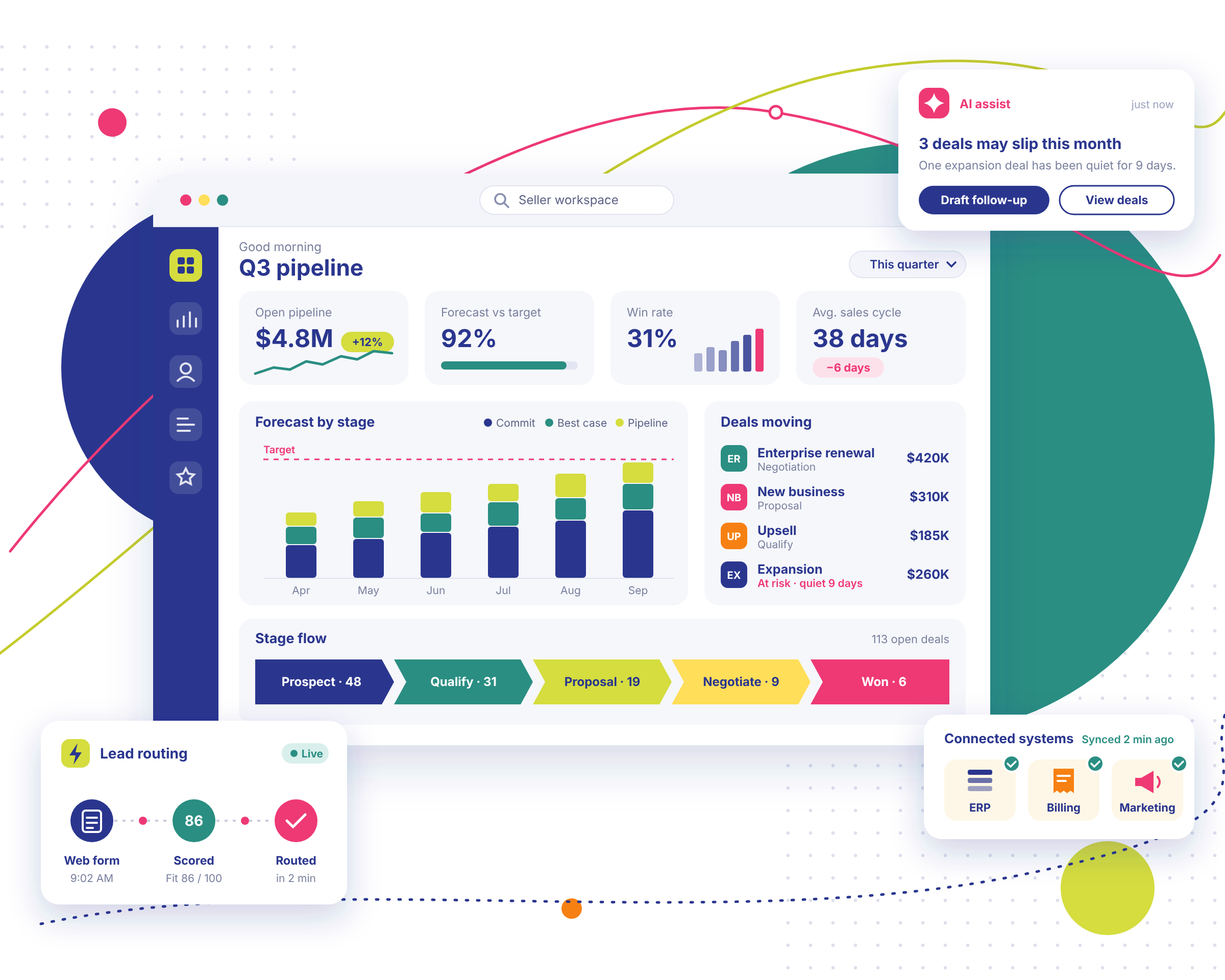
Sales Cloud seller workspace showing Q3 pipeline, forecast by stage, lead routing and connected systems

Trusted by Enterprise Teams as a Salesforce Consulting Partner

Logos of Texas Instruments, American Express, Fiserv, Autodesk, Target, Honeywell, Dell and Delta Air Lines have worked with Stack Intelligence on Salesforce.

Salesforce Sales Cloud Problems We Help Solve

In most sales teams we meet, the process has grown faster than the CRM behind it. These are the issues we hear about most.

  • Sales Data Is Scattered Across Spreadsheets and Systems

    Your pipeline lives in three spreadsheets, a shared inbox, and your top rep's head. When she's out, nobody can tell which deals are close. Someone spends Monday pulling a report, and by Tuesday it's already wrong. In a well-built Sales Cloud CRM, numbers update as reps work.

  • Sales Teams Spend Too Much Time on Manual Admin

    Friday afternoon is when most reps catch up on logging calls and pasting notes in from Outlook. That's selling time gone. A few stop bothering, and the data gets worse every week. Good automation does most of that logging in the background, and reps get Friday back.

  • Pipeline Visibility and Forecasting Are Unreliable

    Ask three managers for the forecast, and the CRO gets three different numbers on Monday. A deal marked commit slips in the final week, and finance stops believing any of it. Once the pipeline in Sales Cloud is clean, leadership can plan hiring and spend around it.

  • Leads and Opportunities Fall Through the Cracks

    A web lead fills out a form on Tuesday. Nobody claims it. By Thursday, the buyer has already sat through a competitor's demo. A big deal hasn't moved in a month. Sales Cloud assigns leads the minute they land and pings owners when deals go cold.

  • Sales Processes Vary Across Teams

    Your East team qualifies deals one way. Out West, they do it differently. New hires copy whatever their manager does. Try comparing win rates across regions after that. Sales Cloud gives everyone one shared process, with room left for the regional quirks that really matter.

  • Salesforce Is Disconnected From Other Business Systems

    A rep closes a deal in Salesforce. Then finance keys it into the ERP by hand. Prices live somewhere else. The rep never sees what marketing knows. Every handoff is a chance for a typo. Once Sales Cloud talks to those systems, most retyping goes away.

Ready to Make Salesforce Work the Way Your Sales Team Does?

Starting fresh with Sales Cloud? Or is your org overdue for a second look? Book a 25-minute call, and we'll help you work out the next step.

Salesforce Sales Cloud Services Built Around Your Sales Process

Our Salesforce Sales Cloud services run from the first workshop through support after launch. Some clients hire us for one piece. Others hand us the whole project.

  • 01 · Consulting

    Salesforce Sales Cloud Consulting

    Our Salesforce Sales Cloud consulting starts with how your team sells today. A Stack consultant joins pipeline calls, then hands you a plan for stages, roles, data, and early automation.

    Consulting Services
  • 02 · Implementation

    Salesforce Sales Cloud Implementation

    We begin each Salesforce Sales Cloud implementation with leads and opportunities, then add territories, price books, and forecasts. Salesforce Sales Cloud customization fills any gaps, and reps get trained before launch.

    Implementation services
  • 03 · Integration

    Salesforce Sales Cloud Integration

    Can your reps see which customers owe money? Salesforce Sales Cloud integration pulls in ERP, marketing, and quoting data through MuleSoft, putting invoice status right on the opportunity.

    Integration services
  • 04 · Data migration

    Salesforce Sales Cloud Data Migration

    Older CRM or twelve messy spreadsheets? Our Salesforce Sales Cloud migration maps every field, merges duplicates, and keeps account history attached. You check a test load before reps log in.

  • 05 · Optimization

    Sales Cloud Optimization, Training and Support

    Reps still groan opening Salesforce? Salesforce Sales Cloud optimization cleans up layouts, flows, and reports. Salesforce Sales Cloud automation then handles email logging and lead routing, and we stay on for support.

    Book a health check
  • 06 · AI workflows

    Agentforce for Sales and AI-Enabled Workflows

    Agentforce for Sales puts AI agents beside your reps to summarize accounts and draft follow-ups. Salesforce sales AI also flags deals likely to slip, which sharpens Salesforce Sales Cloud forecasting.

    Agentforce and AI automation

Salesforce Case Studies From the Field

Pick a cloud and see what we built, for whom, and what changed after go-live.

View All

Stack Intelligence Client Testimonials

Clients rate Stack Intelligence 5/5 on Salesforce AppExchange, and these four quotes came in after their projects wrapped.

Industries We Serve With Salesforce

Pricing and service work differently in each industry, so we design Salesforce around yours.

Advanced manufacturing plant

Manufacturing

Configurable products, dealer pricing, quoting and field service in one Salesforce org.

Read More
Enterprise data center

High Tech & Software

Subscription billing, partner programs and integrations that keep up as you grow.

Read More
Financial district architecture

Financial & Professional Services

We set up Salesforce so your team sees the whole story on one record.

Read More
Medical research laboratory

Healthcare & Life Sciences

Patient and customer portals, ordering and service workflows with secure data.

Read More
Online shopping cart with parcels

Retail & Consumer Services

When we're done, your staff can pull up any order, booking, or chat from one customer record.

Read More
Truck fleet at a depot

Automotive & Transportation

Stack Intelligence sets up Salesforce Automotive Cloud so carmakers, dealers, and fleets share one view.

Read More
Classroom desk with books and pencils

Education

Your institution probably runs on a dozen systems that rarely talk to each other.

Read More
Two construction workers in hard hats at a building site

Construction & Real Estate

If you sell homes, lease offices, or build them, you're tracking a lot of people at the same time.

Read More
Public civic building

Public Sector

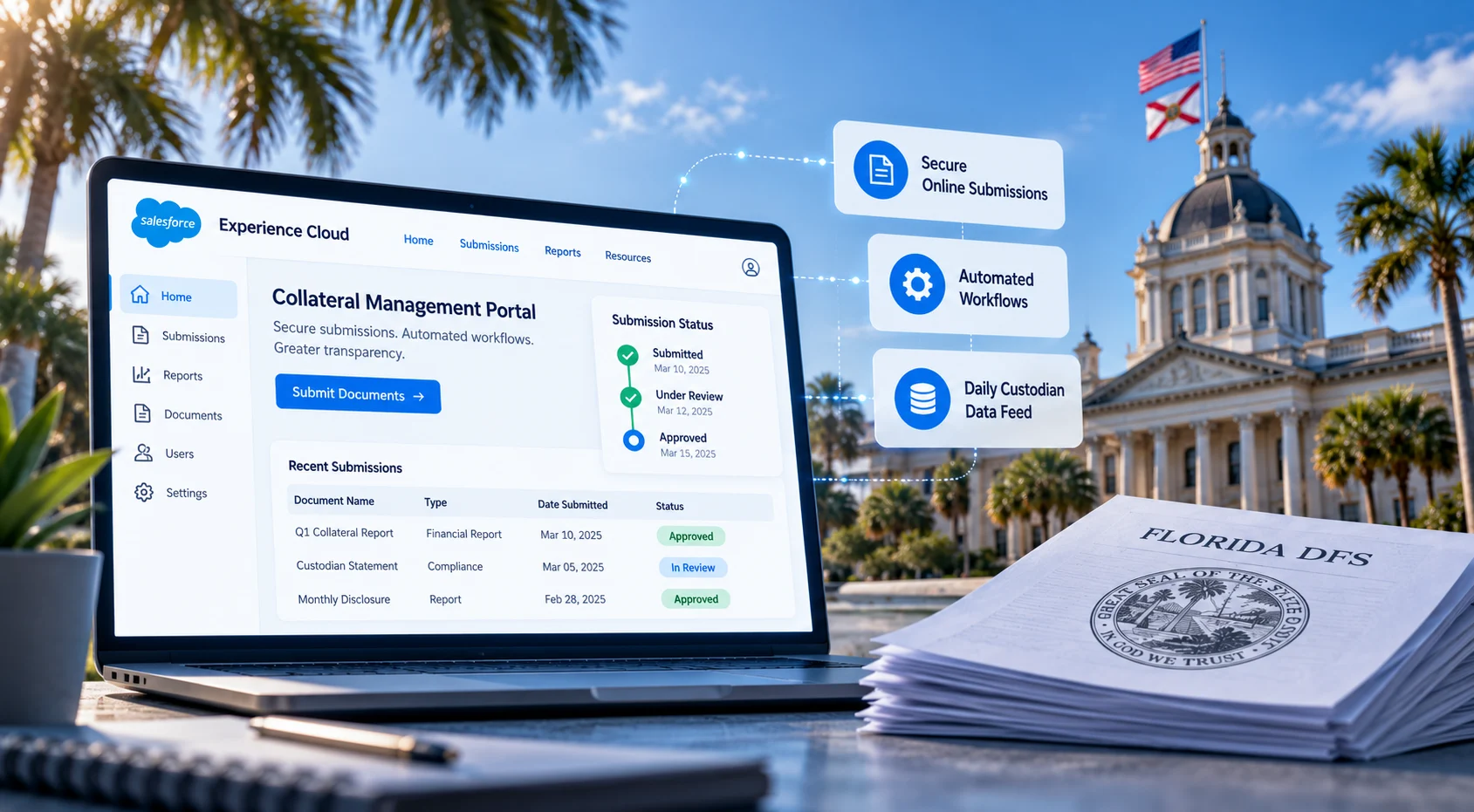
Experience Cloud portals and oversight workflows, plus ServiceNow work for federal and utility clients.

Read More

Looking for a Salesforce Sales Cloud Partner Who Understands Your Business?

We'll start by asking how your team finds, works, and closes deals today. The Salesforce setup comes after that, shaped by what we learn.

Our Salesforce Sales Cloud Implementation Process

Get a tailored build plan

We run every Salesforce Sales Cloud implementation in six steps. You see the output of every step, and your team has to approve it before we go any further.

  1. Understand Your Sales Process

    Our first few weeks go to shadowing reps, sitting with managers, and asking sales ops a lot of questions. Then you get a discovery report. It shows how deals move now, where they get stuck, and which reports leadership really uses. Scope gets agreed together before anything else happens.

  2. Design the Right Salesforce Solution

    Next comes the solution design. Think of it as the blueprint for your org. It shows how data is structured, which stages deals pass through, who sees what, and what gets automated or connected. Anything custom gets flagged. Nothing is built until your team has gone through it and said yes.

  3. Configure and Customize Sales Cloud

    All building happens in a sandbox, in two-week sprints. Your team gets a demo at the end of each one. If something looks wrong, it's easy to fix at that stage. Standard Sales Cloud features come first. Custom code shows up only when they can't do the job.

  4. Connect Systems and Migrate Data

    While we set up integrations in a test environment, your existing data gets cleaned and mapped. Then come the trial loads. Reconciliation reports then show you, record by record, that no account, contact, or open deal went missing.

  5. Test, Validate and Enable Users

    Your reps work through real scenarios in the new org, from logging a lead to closing a deal. We fix what they find, then train each group on the screens they'll use. Admins get their own sessions too.

  6. Launch, Support and Optimize

    We pick a go-live date that fits your sales calendar, and quarter end is off the table. After launch, our team stays close during hypercare and keeps an eye on who's logging in. Then we meet with you to decide what to improve next.

Why Choose Stack Intelligence as Your Salesforce Sales Cloud Partner?

As a Salesforce Sales Cloud partner, we're judged by whether your reps actually use what we build. Here's what we bring to make that happen.

Hire Salesforce Consultants
  1. 01. Salesforce Expertise That Goes Beyond Basic Configuration

    Fields and page layouts take an afternoon. The harder work is territory design, forecast models, and approval rules for tricky deals, and our Salesforce Sales Cloud consultants handle that too. Their certifications include Sales Cloud, Revenue Cloud, and integration.

    02. Business-First Solution Design

    Before anyone opens Setup, we join a few pipeline reviews and listen in on sales calls. Your best reps already have habits that work, and the design copies them. Salesforce feels familiar on day one, and adoption comes much quicker.

  2. 03. Experience With Complex Revenue and Sales Processes

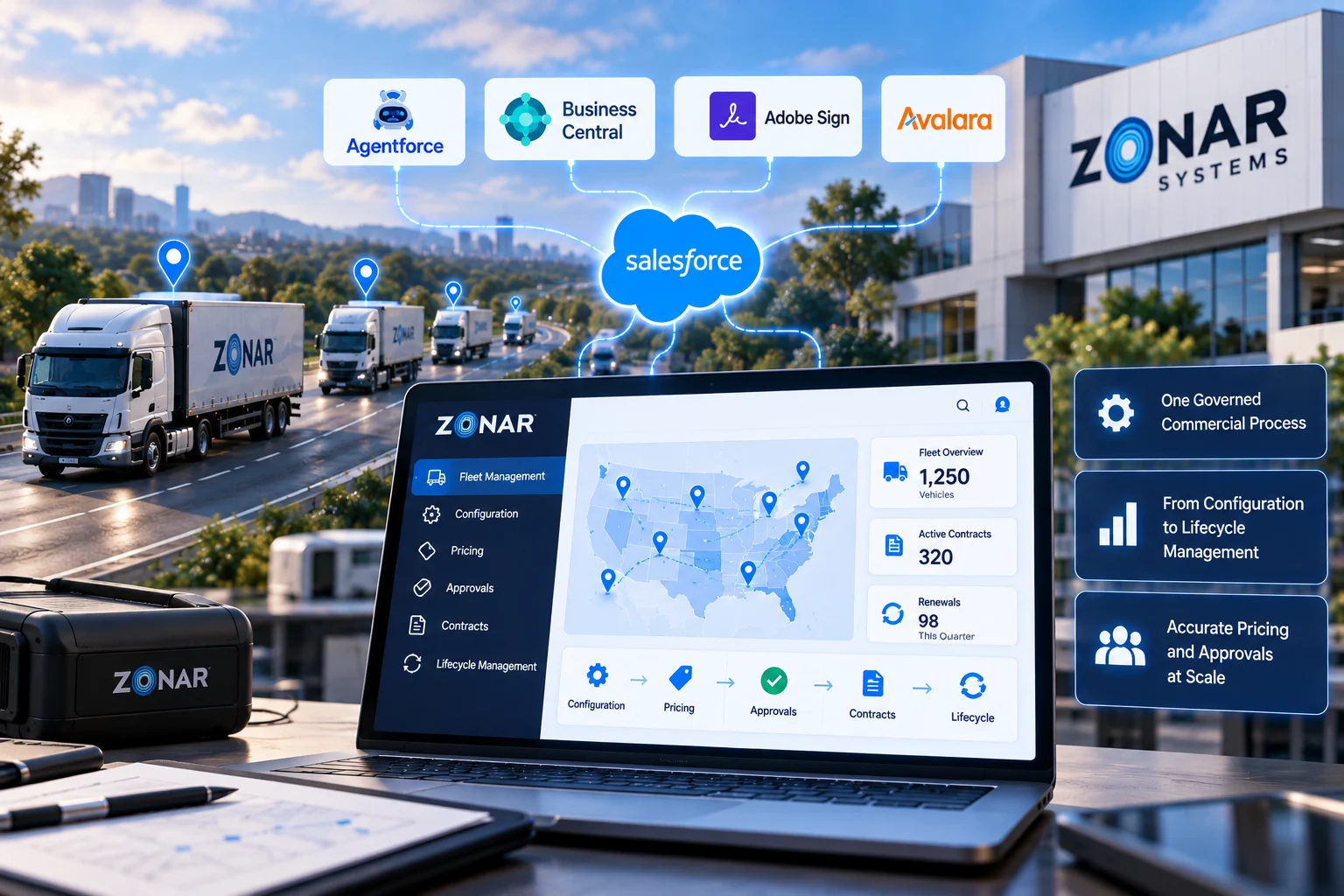
    For Zonar Systems, we linked Salesforce to Business Central, Avalara, and a VIN lookup tool so subscription deals could be quoted and billed correctly. Multi-step revenue work like that is where many Sales Cloud projects get stuck.

    04. Connected Systems and Integration Expertise

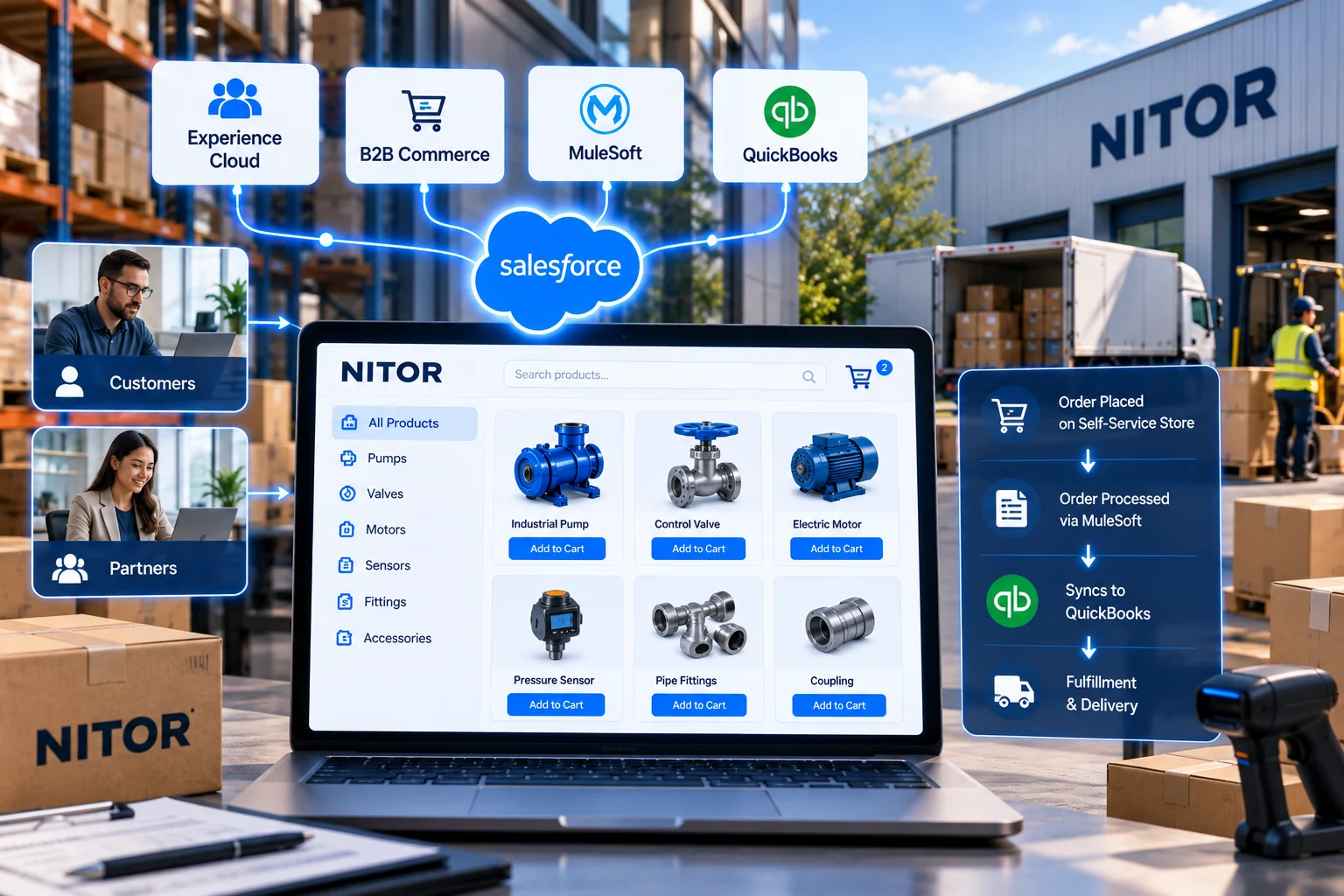
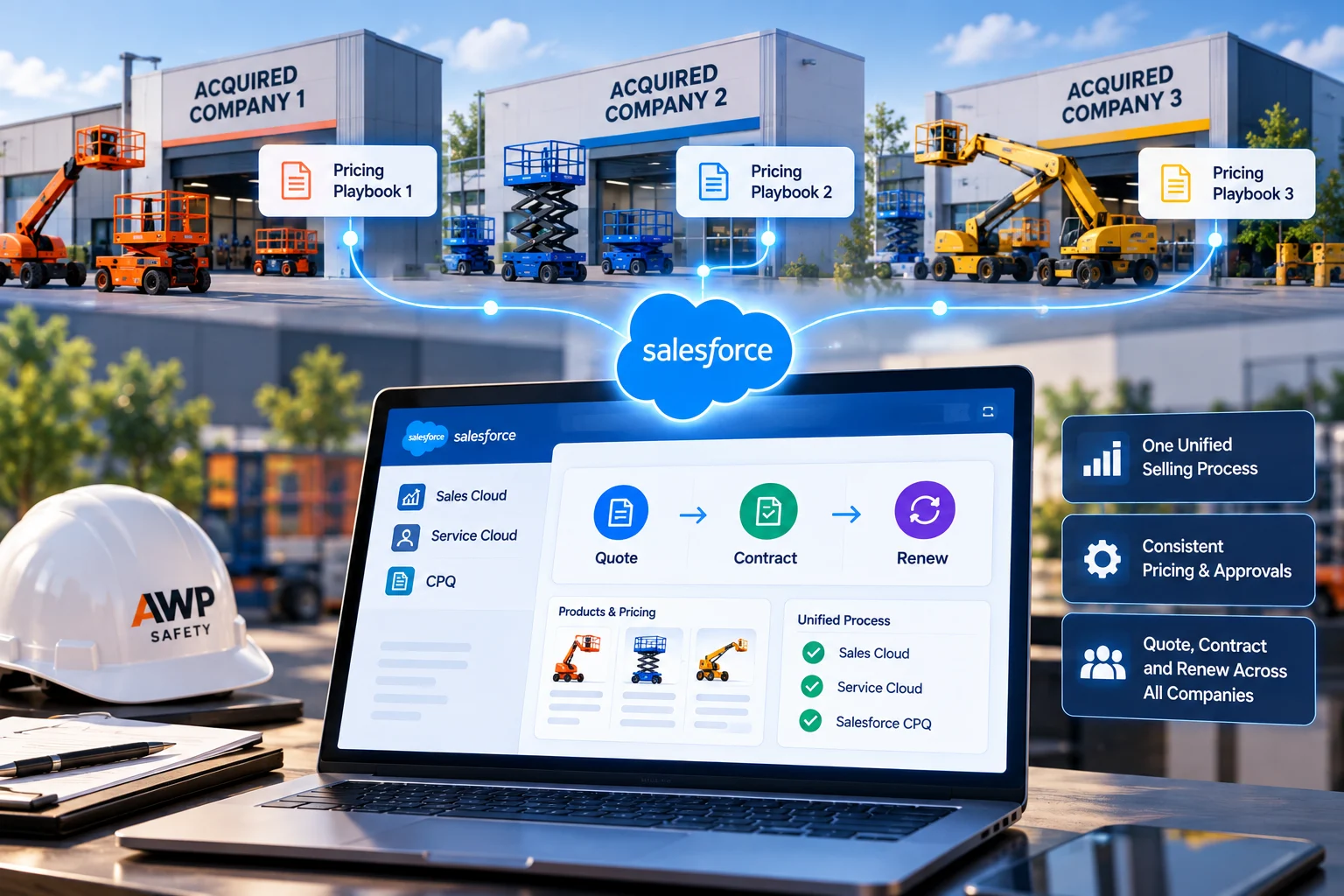
    NITOR's online store talks to QuickBooks through MuleSoft, and AWP Safety's three acquired companies now work from one org. We map out integrations in the first week. By launch, sales, finance, and operations are looking at the same numbers.

  3. 05. Practical Automation and AI Readiness

    Ask any rep what they hate about the CRM, and you'll hear about data entry and lead assignment. We automate those first, and your data gets cleaner along the way. Agentforce depends on tidy data to give your team answers worth trusting.

    06. Support Beyond Go-Live

    After Zonar's launch, they kept us on for six months of managed services. A sales org rarely looks the same a year later. Maybe territories shifted, or you launched a product and hired ten reps. Ongoing Salesforce Sales Cloud optimization helps your org keep up.

Frequently Asked Questions About Salesforce Sales Cloud

Salesforce Sales Cloud CRM is the CRM Salesforce built for sales teams. Reps use it to keep track of who they're talking to and which deals are still open. Managers run pipeline reviews from it, and revenue forecasts come out of it too. You can check it from anywhere, since it's all in the cloud.

Salesforce Sales Cloud services cover five kinds of work. Consulting and implementation come first, then integration and data migration, and support after go-live. Few companies need every piece. One company just wants a plan. Another needs a full build with an ERP connection, or a cleanup of an org that's been around for years. On the first call, we work out which of those you'd actually use.

Every Salesforce Sales Cloud implementation we've run started with a few weeks of discovery. That time goes into watching how your reps really sell, shortcuts and all. Design follows. The partner builds in a sandbox and migrates your data. Real users test it before training starts. Reps tend to ask a lot of small questions in the first week. We stay close for a few weeks to answer them.

They get Salesforce working the way your sales team actually sells. A Salesforce Sales Cloud consultant runs workshops with reps, drafts the data model, and works through details like approval steps, which often take longer than you'd think. They also decide what should stay standard. Now and then, the job is to push back on a request that would make the system harder for reps. Much of Salesforce CRM consulting comes down to judgment calls like that.

Yes. You can add fields, rename sales stages, set approval steps, or give managers a different page from reps. All of that counts as Salesforce Sales Cloud customization, and most of it needs no code at all. When a process is truly unusual, we write custom code. Your admins also get documentation for it.

Yes. Salesforce Sales Cloud integration with an ERP is one of the most common jobs we take on, whether that's Business Central, NetSuite, or SAP. MuleSoft or Salesforce APIs usually carry the connection. Once it's live, orders go to finance on their own. A rep looking at an account can also see if the last invoice was paid.

Yes. A Salesforce Sales Cloud migration can bring over accounts, contacts, deals, and activity history from almost any old CRM, and from spreadsheets too. First, we map fields and merge duplicates. Then we do test loads. Your team signs off on those before we run the final load. We've seen what happens when companies skip it: a week after launch, reps start asking where their contacts went.

A rep moves a deal to Negotiation, and Salesforce Sales Cloud forecasting reflects it within seconds. Your managers get their Friday afternoons back, since nobody rebuilds the forecast in Excel. Want a view by rep, by team, by region, or by product? Any of those works, and dashboards show what moved since last week. Add Agentforce, and you also get a heads-up when a deal starts to look shaky.

Yes. Plenty of sales chores can run on their own with Salesforce Sales Cloud automation. New leads get assigned, follow-up reminders go out, and big discounts route to a manager for approval. Most of this runs on Flows, with no code. We begin with whichever task wastes the most of your reps' week. More automation comes later, after people trust the first round.

Agentforce for Sales gives your reps AI agents that work inside Salesforce. Picture a rep with a 10 a.m. call. Before it starts, an agent has already pulled together notes on the account. Once the call ends, a second agent drafts the follow-up. It can also dig up background on a lead that came in overnight. Keep in mind that Salesforce sales AI can only work with what's in your org. If your records are out of date, expect weaker suggestions.

That's hard to answer before we've seen your setup. A bigger scope adds time. So does messy data, and so does every extra system we connect or custom feature we build. A focused setup for a single sales team usually takes a few months. Expect more time for a bigger rollout with several integrations and a large data migration. After discovery, we give you a timeline based on your actual project.
Sales Cloud is for selling. Reps use it to work leads and opportunities, and managers use it to watch the pipeline and forecast. Revenue Cloud takes over after the handshake, with quotes, contracts, orders, and billing. Of all the Salesforce clouds, these two are the pair most often set up together, since one hands off directly to the other.

Ready to Build Salesforce the Right Way?

Planning a first Salesforce Sales Cloud implementation? Stuck with an org that never quite fit? Either way, start with one call. We'll look at what you have today and map out what to fix first.