Leads Show Up Everywhere
A buyer fills out a form on Zillow at 9 p.m. Another calls from a yard sign the next morning. Both leads land in different inboxes, and the agent who should have them finds out two days later.

At 9 p.m., a Zillow lead pings someone's inbox. A sub needs new drawings by 7 a.m. A tenant's sink is leaking. Stack Intelligence builds your Salesforce real estate cloud so each one reaches the right person fast.
Logos of Texas Instruments, American Express, Fiserv, Autodesk, Target, Honeywell, Dell and Delta Air Lines have worked with Stack Intelligence on Salesforce.








If you sell homes, lease offices, or build them, you're tracking a lot of people at the same time. For most firms, that tracking happens in spreadsheets and email. Here's where that breaks down first.
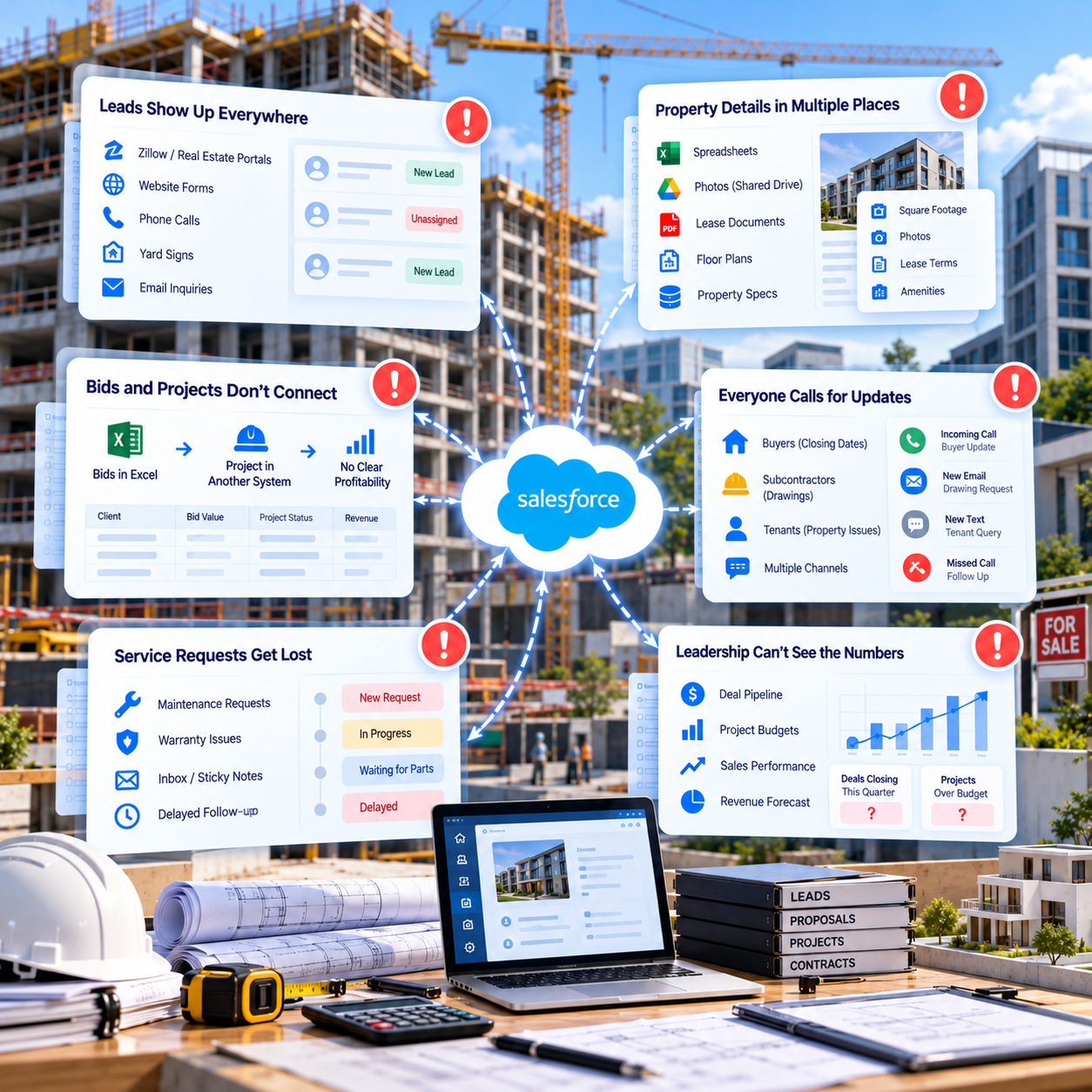
A buyer fills out a form on Zillow at 9 p.m. Another calls from a yard sign the next morning. Both leads land in different inboxes, and the agent who should have them finds out two days later.
An investor emails asking about one building's lease terms. The square footage is in a spreadsheet. The photos are on a shared drive. The lease itself is a PDF somewhere. An hour later, someone finally has the answer.
Your estimators track bids in Excel. When a bid turns into a job, the project moves to a different system. The sales history stays in Excel. So which clients actually make you money? Nobody can say for sure.
Buyers call to ask about closing dates. Subcontractors email for the latest drawings. Tenants text the property manager at night. By Friday, your team has answered the same handful of questions dozens of times.
A tenant's pipe starts leaking on Sunday. A new homeowner spots a cracked tile under warranty. One request lands on a sticky note, the other in an inbox. The crew shows up days late without the right parts.
Leadership wants to know how many deals will close this quarter and which projects are over budget. The answer takes a week of spreadsheet work, and it's already out of date by the time it arrives.
Each problem above has a fix below. You won't find Real Estate Cloud on Salesforce's price list. We assemble one for you out of Sales Cloud, Service Cloud, and Experience Cloud, then hook it into the software you already have.
Your Salesforce CRM for realtors pulls every lead into one queue, whether it came from Zillow, your site, or a phone call. Within minutes, it's sitting with the right agent. Each agent sees the full history before they call back.
Every property gets its own record in your Salesforce real estate CRM. Square footage, photos, lease terms, and past deals all sit together on it. An investor's question gets answered in a minute, straight from the listing record.
Estimators log bids in Sales Cloud, and won jobs and change orders stay on the same record. MuleSoft or APIs link it to Procore, Sage, or whatever you run for projects and billing. Margins by client show up in a report.
Buyers, tenants, and subs each get an Experience Cloud portal. Buyers look up closing dates there. Subs grab new drawings as soon as they post, and tenants report problems without calling. Your team stops repeating the same answers.
Service Cloud logs every tenant request and warranty claim as it comes in. Field Service sends the right crew with the right parts. The homeowner gets a text with the arrival window, and the job closes out there.
One dashboard puts the sales pipeline next to project budgets, refreshed daily. After hours, Agentforce handles routine questions from buyers and tenants, such as when a showing starts or when rent is due. Leadership gets this quarter's forecast without waiting a week.
What's eating most of your week right now? Maybe it's chasing leads, maybe bids or service calls. Give us 25 minutes, and we'll show you how Salesforce could take it on with your current tools.
Pick a cloud and see what we built, for whom, and what changed after go-live.
Industry: Mobility & Accessibility

The problem
Demand was outgrowing spreadsheet-and-email ordering, and each new region took months to open.
What we did
Built a B2B Commerce storefront with Salesforce Order Management and automated ordering end to end.
Result
Live in 8 weeks. New regions now open in 1–2 weeks, down from 4–6 months.

Industry: Physical Security & Surveillance

The problem
A growing partner network meant more small accessory orders landing on the sales team’s desk.
What we did
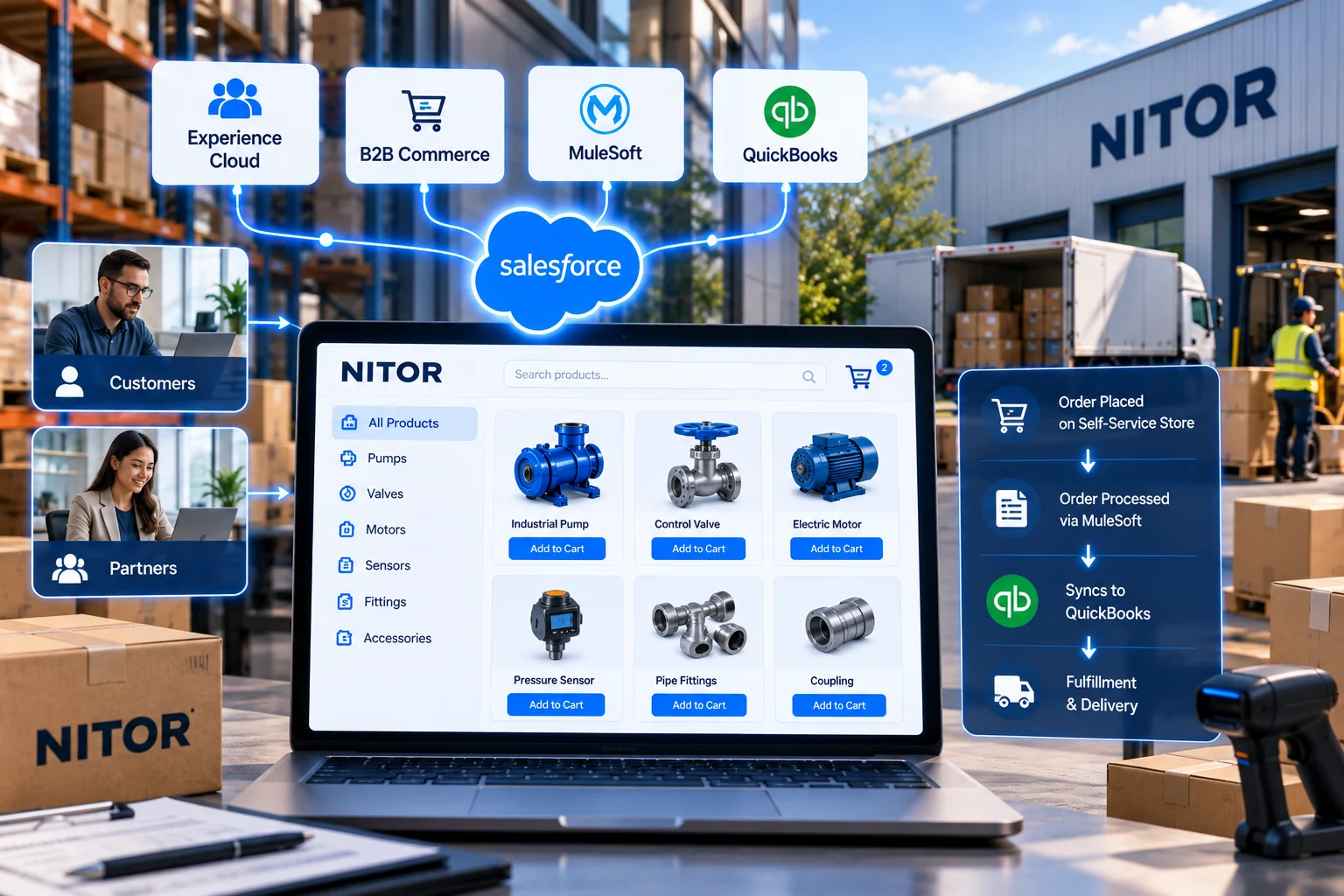
Launched a self-service storefront on Experience Cloud and B2B Commerce, with MuleSoft syncing orders to QuickBooks.
Result
Customers and partners now order on their own, and the channel scales without extra headcount.
Clients rate Stack Intelligence 5/5 on Salesforce AppExchange, and these four quotes came in after their projects wrapped.
Showing testimonial 1 of 4: Vince Tan, Director of IT, Ascensus Specialties












There are seven steps to every project. First, we follow a single real deal or job from the first call to closing. We don't move ahead until your team signs off.
Think of a deal or build that closed last month. We trace it back to the very first inquiry and sit down with everyone who worked on it.
We look at your lead sources, listing data, project software, and accounting system. Already on Salesforce? Your org and its sharing rules get a review too.
Then we draw up the data model, so properties, buyers, tenants, bids, and projects each have a place to go. We also settle early which agents and partners can see which records.
Nothing gets built in your live org. We work in a sandbox and lean on standard Salesforce features, writing code only when we must. After every sprint, there's a new demo to click through.
Lead portals, project tools, and accounting links go live in a test environment. While that runs, we clean up contacts and property records and do a trial load.
Our team tests with real examples first. A lead goes to an agent, a bid gets opened, and a tenant files a request. After that, your own staff take it for a spin.
We launch with a single office or team. Others join once that first group is happy. We stay through hypercare and keep supporting you after that.
We start by asking how your deals and jobs really move. Where do your best leads come from? Who approves a change order? What happens when a tenant calls at midnight? Your answers shape what we build.
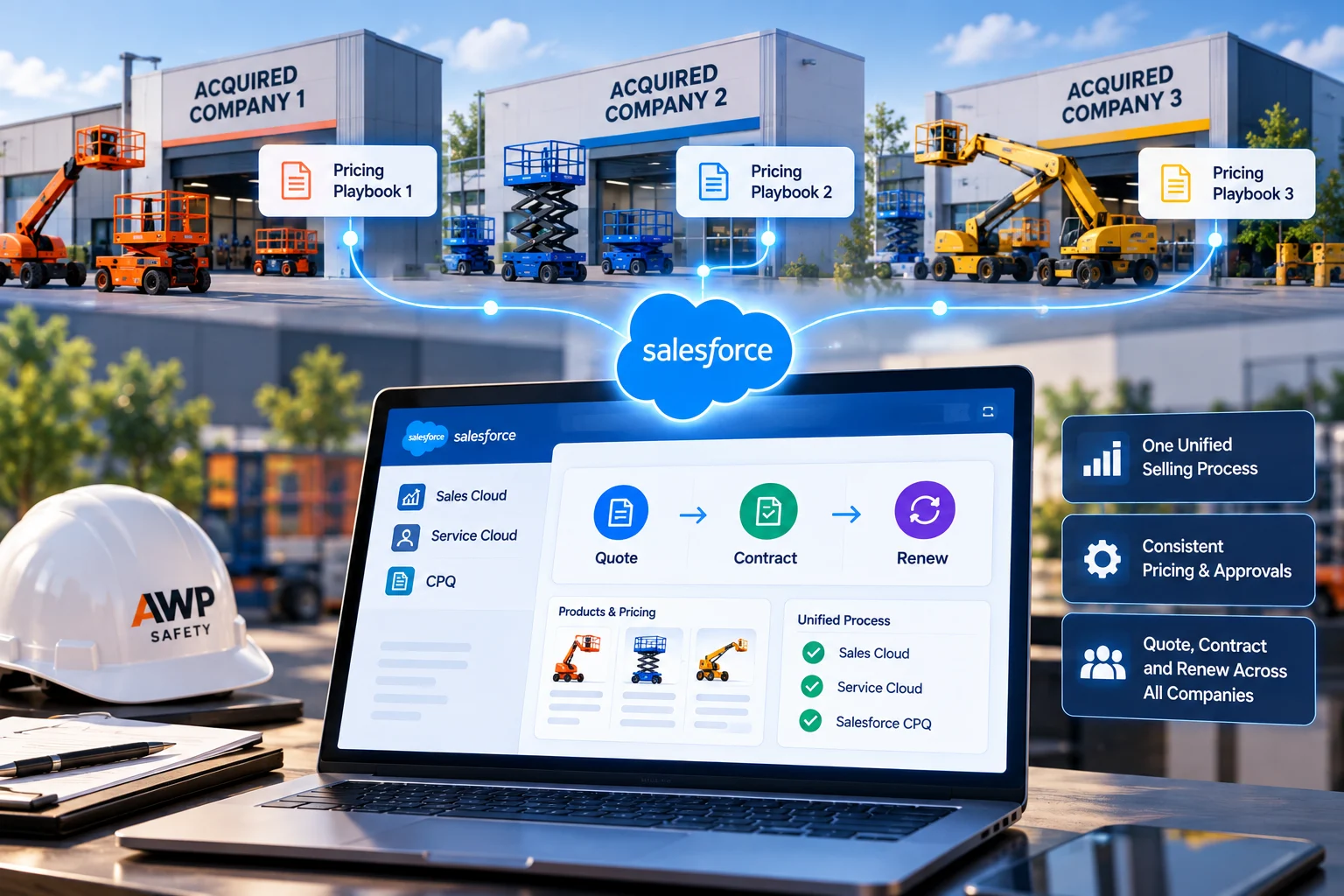
Hire Salesforce ConsultantsAWP Safety, a traffic control company working on road projects, came to us after buying three companies. We brought all three onto one Salesforce org, so crews and office staff share the same data.
The data model follows your properties, deals, and projects. Nothing gets built until the agents and project managers who'll use it have looked at the design and agreed.
An agent shouldn't see a coworker's leads, and a sub has no business reading a tenant's file. We set those sharing rules with you before we build anything.
If the accounting system and the project tool disagree on a budget, reports fall apart. We link those systems early and tidy the data. Agentforce works much better once that's done.
Every person on your project is a Stack employee, architects and analysts included. The certified consultants build your org themselves and stick around to support it.
New listings, new projects, and new offices keep coming after launch. Our Salesforce managed services keep your org up to date as your business grows.
You won't have to explain what a change order is or why agents guard their leads. Our consultants know how this business runs, so the first call can be about your setup.
Salesforce for real estate is Salesforce set up to match how property companies actually operate. A brokerage tracks leads and listings in it. Developers run sales and leasing out of it. Property managers use it for service calls.
Not as a single product. Salesforce doesn't sell anything called Real Estate Cloud. When people search for a Salesforce real estate cloud, they usually mean Sales Cloud, Service Cloud, and Experience Cloud set up for property work. That's what we build.
For a brokerage that's outgrown its contact app, it's a common next step. As a Salesforce CRM for realtors, it routes every lead to an agent fast. It also keeps each client's history in one place, so follow-ups don't slip.
At its core, a Salesforce real estate CRM holds your leads, contacts, properties, and deals. Some firms stop there. Others add a buyer or tenant portal, email campaigns, or a few dashboards. The mix comes down to how you sell.
Yes. A builder can track every bid and won job in Sales Cloud. Warranty calls go through Service Cloud, and Field Service schedules the crews. Subs pick up drawings and updates from a portal.
Yes. We connect Salesforce to project tools like Procore and accounting systems like Sage using MuleSoft or APIs. Once that's done, project budgets and billing show up next to each customer.
Yes. A property manager opens Service Cloud and sees each tenant's lease and any open repair tickets. If a tenant reports a broken heater through the portal, Field Service books a technician who can fix it.
Yes. Listing sites usually pass leads along by email or API. We pull those into Salesforce, and an agent has the lead a few minutes later.
Yes. Agentforce agents can cover the after-hours shift by answering simple questions, booking showings, and logging repair requests. We usually start with one agent your data can support today.
There are two parts: licenses and implementation. License prices are on Salesforce's website. Each extra team or connected system adds to the implementation cost. One brokerage office costs less than a multi-region builder. We give you a number after discovery.
That depends on how much you're starting with. A single office with a couple of lead sources is often live within a few months. A developer with construction, sales, and property management teams takes longer. You get a real timeline after discovery.
Show us where your leads, listings, and project files are kept today. We'll show you how Salesforce would bring them together, with the right access for agents, subs, and tenants from day one.