Permits and Licenses Move at Paper Speed
Some people email a PDF. Others print it and walk it over. Staff retype them into an old system. Weeks go by, and the applicant has nowhere to look up where things stand.

Salesforce Public Sector Solutions for Permits, Grants, Cases, and Resident Service
A resident applies for a permit online. A week later they call to ask how it's going. The clerk can't find it. They call again on Friday. Stack Intelligence puts Salesforce to work for public sector agencies, with every application, inspection, and case on one system. Staff can see the status, and so can the resident.
Logos of Texas Instruments, American Express, Fiserv, Autodesk, Target, Honeywell, Dell and Delta Air Lines have worked with Stack Intelligence on Salesforce.








Walk into most agency offices and you'll find old software, paper forms, and inboxes doing the heavy lifting. Each department bought its own tool years ago. So the permit office has one address for a resident, inspectors have another, and the call center has a third.
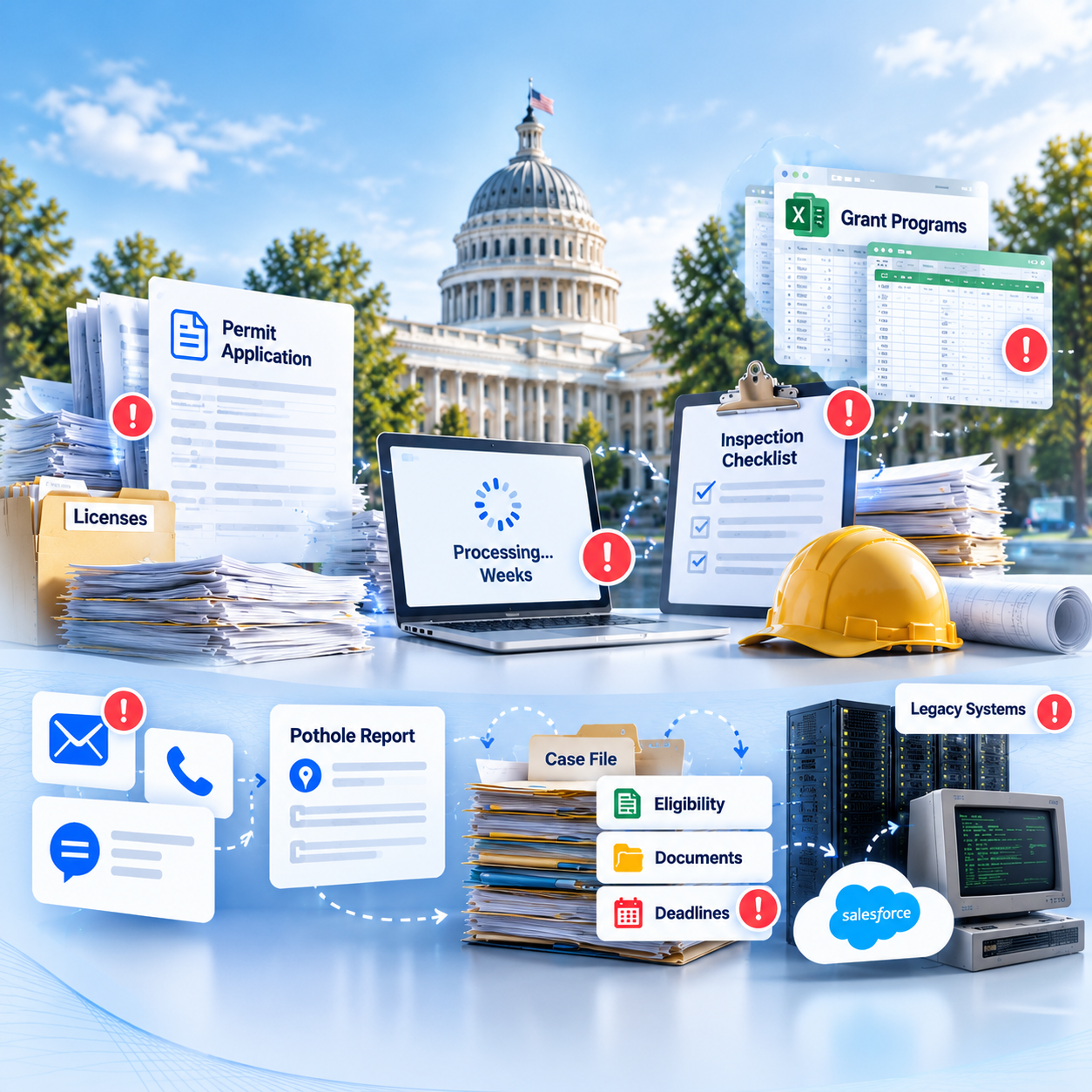
Some people email a PDF. Others print it and walk it over. Staff retype them into an old system. Weeks go by, and the applicant has nowhere to look up where things stand.
Inspectors head out with a clipboard and a stack of forms. Back at the office, someone types the results up, maybe Thursday, maybe the next week. By then a follow-up date has already been missed.
One spreadsheet tracks applications. Another tracks awards. Reporting time means a week of copying numbers between them.
Someone calls about a pothole, then emails about the same pothole. Each contact opens a new ticket. Nobody sees that it's the third report.
Caseworkers juggle eligibility checks, documents, and deadlines across several systems. Cases sit while someone hunts for a missing form.
The records system is twenty years old, and finance runs on something else. Nobody can switch it all off on Monday. So data gets copied between them by hand.
Each problem above has a fix below. Most start with Salesforce Public Sector Solutions. We add Service Cloud, Experience Cloud, or Agentforce only when a problem needs one.
Public Sector Solutions comes with License & Permit Management built in. People fill out the form and pay the fee from their couch. Your staff decide the review steps. The applicant can log in at midnight and see which step it's on.
An inspector opens the day's list and checklists on a phone. They log results and photos on site. Violations and follow-up dates are in Salesforce before the inspector is back in the truck.
Grants Management holds the whole program, from the first application through the award. Reviewers do their scoring right there. When the funder wants a report, it's built from those records, and nobody pastes numbers into Excel.
Calls, emails, and web forms land as cases on one resident record. Staff can see that the pothole was reported twice already. The resident gets updates without having to call again. Caseworkers get the same setup for benefits cases, with documents, deadlines, and eligibility steps on one record.
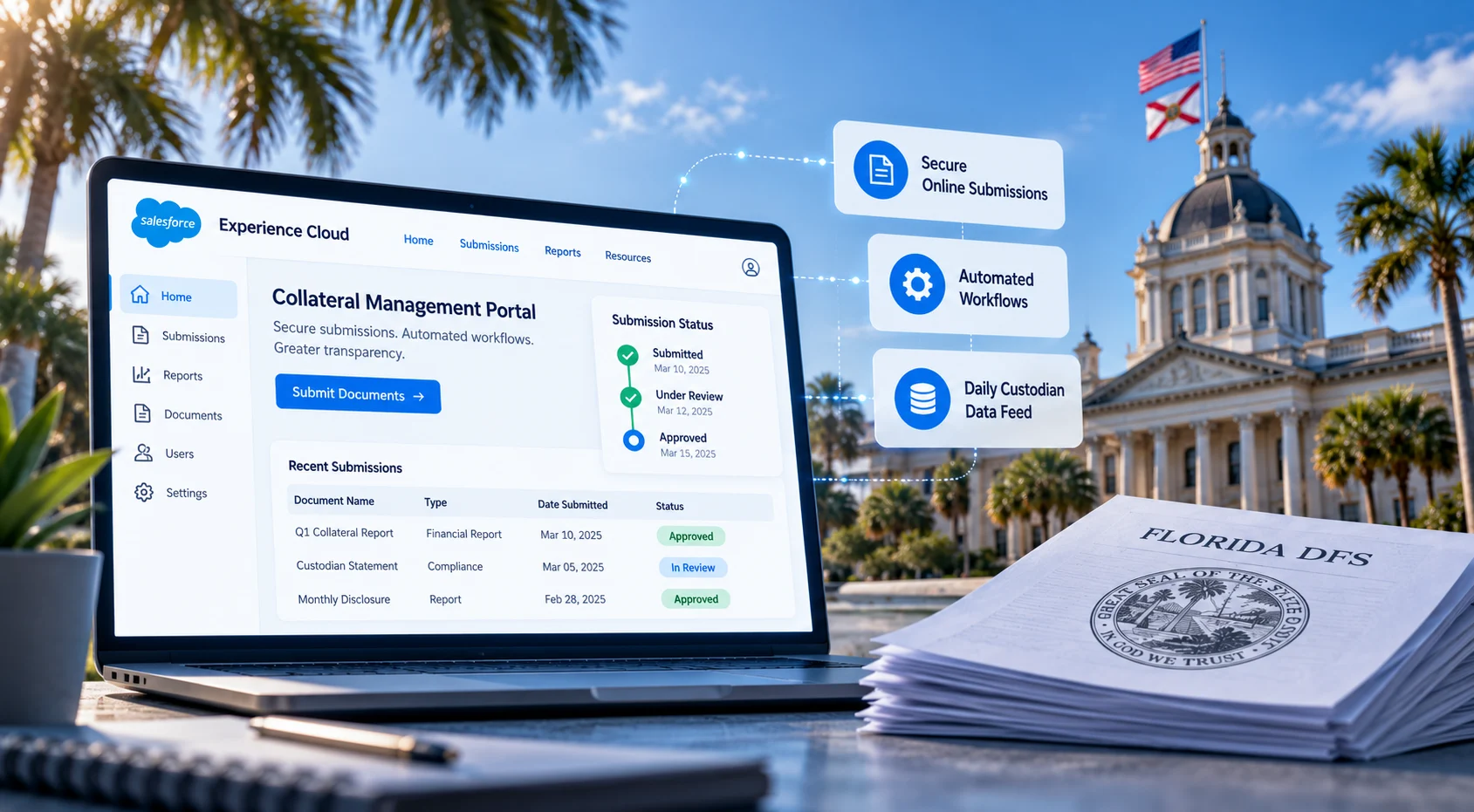
We build a portal where residents apply, upload documents, pay fees, and check status. It cuts down the walk-ins and the "just checking" calls.
Most agencies can't switch everything off at once. We connect Salesforce to finance, GIS, and older records systems through APIs or MuleSoft. Data moves over in stages, at a pace your team can handle.
Pick the problem from that list that costs your agency the most time. In a 25-minute call, we'll sketch how Salesforce Public Sector Solutions could fix it with the systems you already have.
Pick a cloud and see what we built, for whom, and what changed after go-live.
Industry: Mobility & Accessibility

The problem
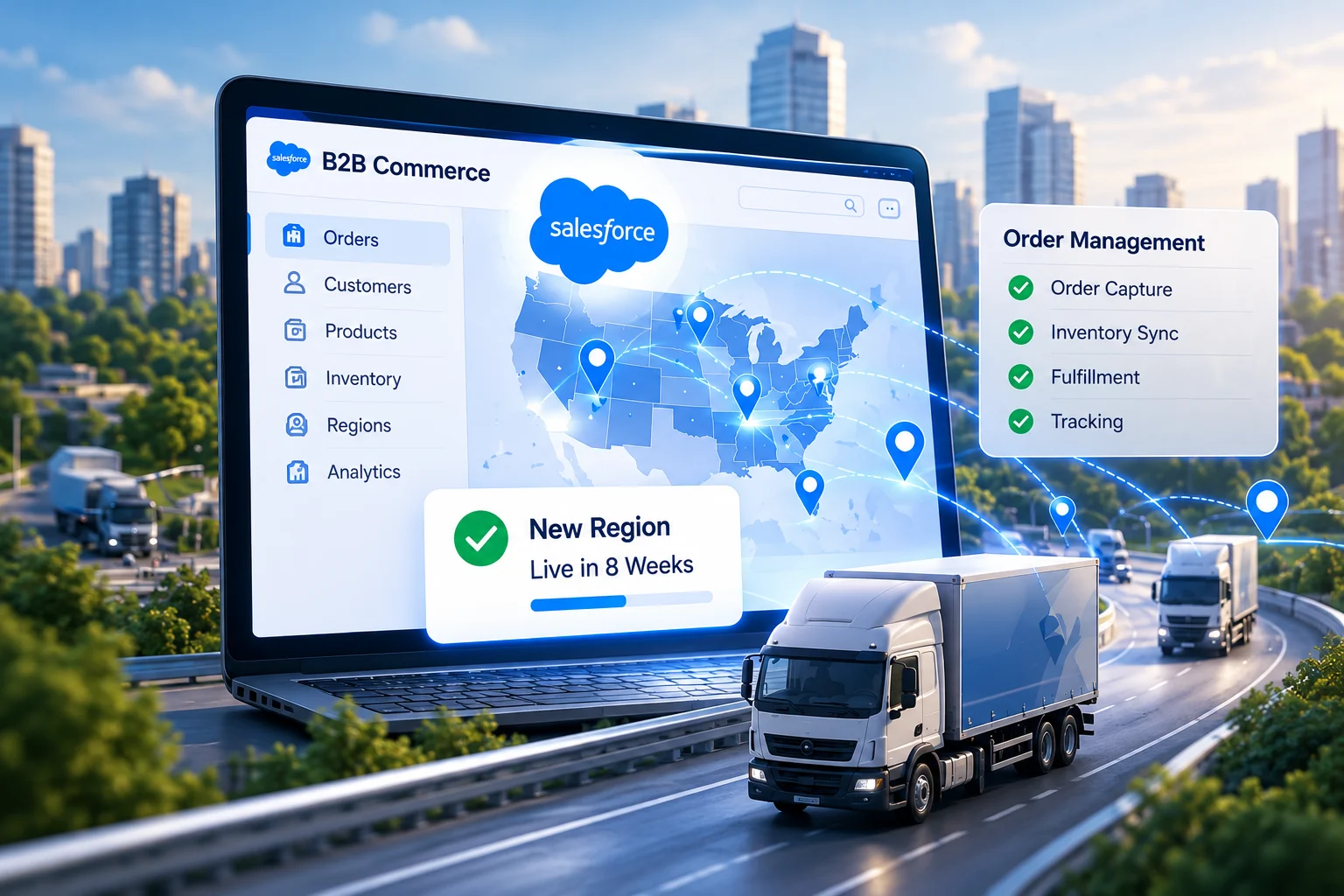
Demand was outgrowing spreadsheet-and-email ordering, and each new region took months to open.
What we did
Built a B2B Commerce storefront with Salesforce Order Management and automated ordering end to end.
Result
Live in 8 weeks. New regions now open in 1–2 weeks, down from 4–6 months.
Industry: Physical Security & Surveillance

The problem
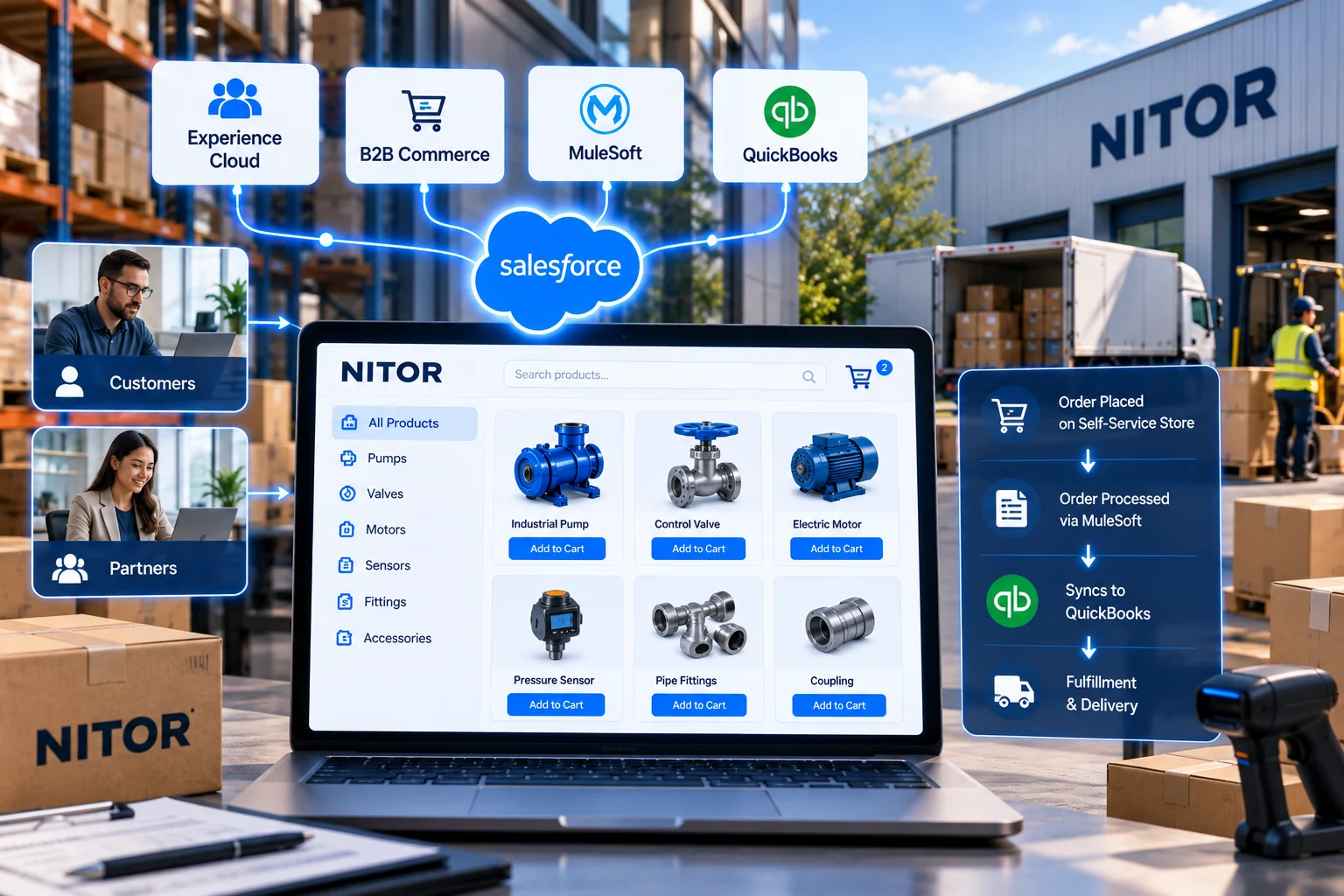
A growing partner network meant more small accessory orders landing on the sales team’s desk.
What we did
Launched a self-service storefront on Experience Cloud and B2B Commerce, with MuleSoft syncing orders to QuickBooks.
Result
Customers and partners now order on their own, and the channel scales without extra headcount.
Clients rate Stack Intelligence 5/5 on Salesforce AppExchange, and these four quotes came in after their projects wrapped.
Showing testimonial 1 of 4: Vince Tan, Director of IT, Ascensus Specialties












A Stack public sector project runs in seven steps. It starts with one real application and ends with support after launch. Your team signs off at every step.
We follow one permit or grant application from submission to decision. Along the way, we talk to every desk it crosses.
We list the systems you run today and what each one holds. Then we decide what moves to Salesforce and what stays connected.
Residents, applications, inspections, and cases each get a place in the data model. Access rules get agreed before anything is built.
We build in a sandbox over short sprints. Public Sector Solutions features come first, custom code only when needed. You see a demo after each sprint.
Finance, GIS, and records systems get linked in a test environment. Old data gets cleaned and trial-loaded in batches.
A real application goes through first, then an inspection, then a resident request. When those pass, your staff test it in user acceptance testing.
Counter staff and inspectors get trained first, then admins. We stay on through hypercare and after.
In the first few weeks, we spend a lot of time just sitting next to your staff. Who reviews a permit? Who has to sign a grant before money goes out? What's on the auditor's list every single year? We build around those answers.
Hire Salesforce ConsultantsOur team has delivered projects for public agencies, including the Library of Congress and WSSC Water on ServiceNow. We know how agencies buy, review, and sign off.
We sketch the data model from how your departments and programs really work. Your team reviews that sketch, and we only start building once they're happy with it.
Salesforce keeps a log as your staff approve and edit records. So when the auditor shows up asking who signed off on a permit, you can find it in about a minute.
We link Salesforce to the systems you can't retire yet and clean the data along the way. That gives Agentforce something solid to work from later.
We staff your project with our own architects, developers, admins, and analysts, all from one team. The certified people are the ones on your project.
New programs and rule changes keep coming after launch. Our Salesforce managed services keep the org in step.
Salesforce Public Sector Solutions is what Salesforce sells to government agencies. Inside it you'll find tools for permits and licenses, plus inspections, grants, and emergency programs. Staff work applications and resident requests from one screen.
Salesforce for public sector means state, local, and federal agencies running their resident services on Salesforce. Most start with Public Sector Solutions. Service Cloud handles calls and cases, and Experience Cloud runs the resident portal.
People often say "public sector cloud," but the product is called Public Sector Solutions. For agencies with strict hosting rules, Salesforce also runs Government Cloud and Government Cloud Plus.
Yes, Salesforce says its Government Cloud Plus has FedRAMP High authorization. Your agency may or may not need that level. It comes down to what kind of data you hold. We help you check that before licenses get bought.
A building department can take permit applications and payments online. Inspectors can log results from the field. A grants office can run a program from application to final report. Residents can track all of it from a portal.
Yes. Finance, GIS, and old records systems can all hook into Salesforce through APIs or MuleSoft. You don't have to shut anything off on day one. Data moves across a piece at a time.
Picture a city handling building permits, inspections, and 311 calls in it. At the state level, it's often licensing boards, grant offices, and benefits programs. Federal teams with tighter security needs usually go with Government Cloud Plus.
Yes. Salesforce offers Agentforce for Public Sector, with agents that can answer resident questions or help staff review applications. We start with one or two simple tasks and keep a person in charge of every decision.
There are two parts: licenses and implementation. License prices are public, and a lot of agencies buy through existing government contracts. Implementation cost swings with the number of programs going live. Old systems that need connecting add to it. We give you a number after discovery.
A single permit program can be live in a few months. Rolling out to a whole city, with several departments and years of old data, takes a good deal longer. Procurement and board reviews also eat into the calendar, so we build them into the plan.
Tell us which program takes up most of your staff’s time, whether that’s permits, inspections, or grants. We’ll walk you through how Salesforce Public Sector Solutions would run it, from the day an application comes in to the day it’s approved.